🎉 Up to 70% Off Selected ItemsShop Sale

\n
\n
\n
\n
\n

Support

\n
\n
\n
\n
    \n
  • \n\n

    NVR Specs

    \n
  • \n
  • \n\n

    Manuals / Downloads

    \n
  • \n
  • \n\n

    Tutorial Videos

    \n
  • \n \n
\n
\n
\n
\n
\n
\n

FAQs

\n
\n
\n
\n
    \n
  • \n

    Does this WiFi camera System need a power supply?

    \n
    \n
    \n

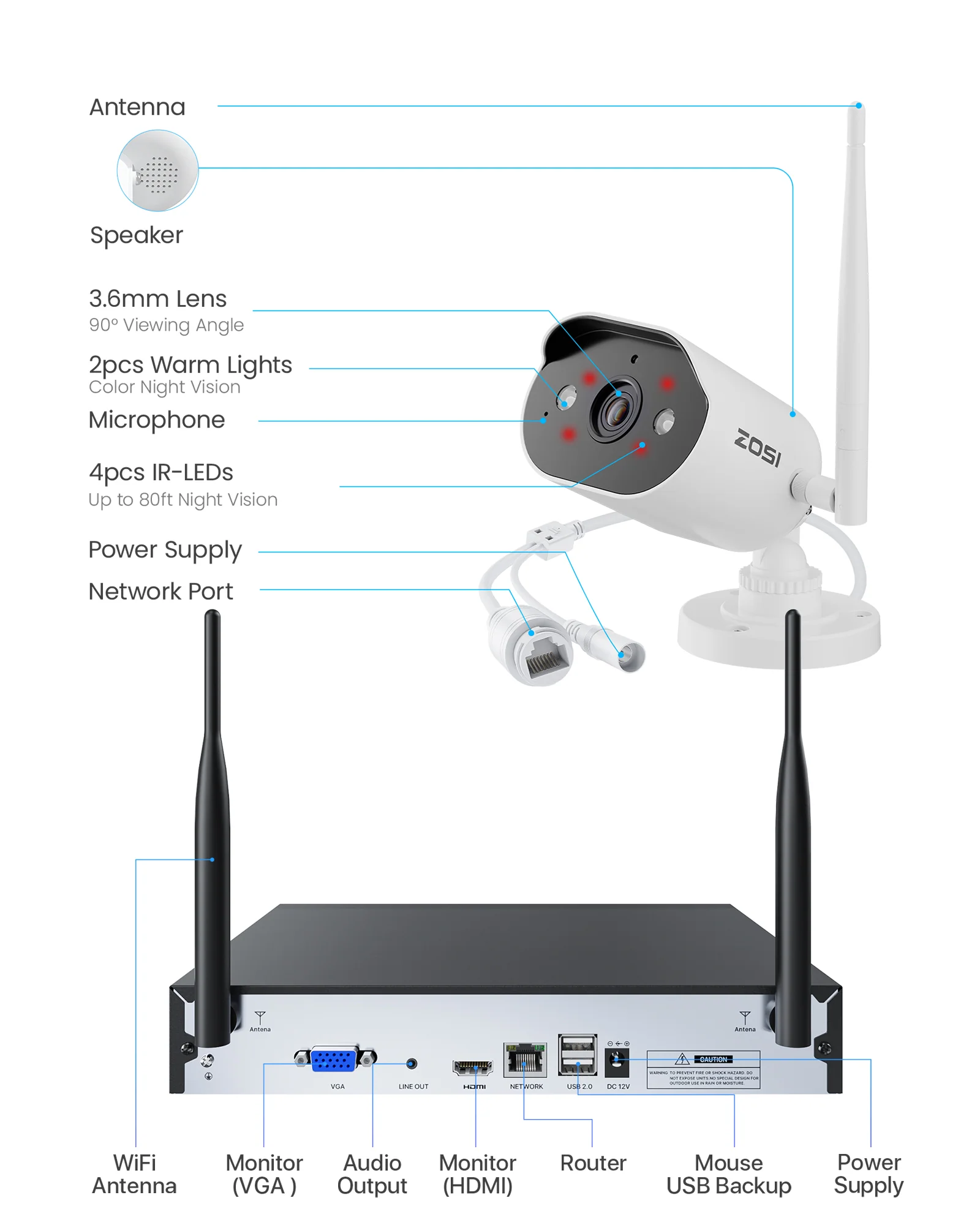
    Yes. While the cameras transmit video wirelessly to the NVR over Wi-Fi network (eliminating video cables), they require a constant wired power connection, as they are not battery-powered. For remote access, the NVR must be connected to your router.

    \n
    \n
    \n
  • \n
  • \n

    How does the system manage recording and storage?

    \n
    \n
    \n

    his system provides professional-grade storage management:\n\n Motion-Activated Recording: Included 64GB SD card stores up to 25days of event recordings (for 4 cameras)\n \n 24/7 Continuous Recording: Add a hard drive for uninterrupted surveillance

    \n
    \n
    \n
  • \n
  • \n

    Can I communicate through the cameras and access them remotely?

    \n
    \n
    \n

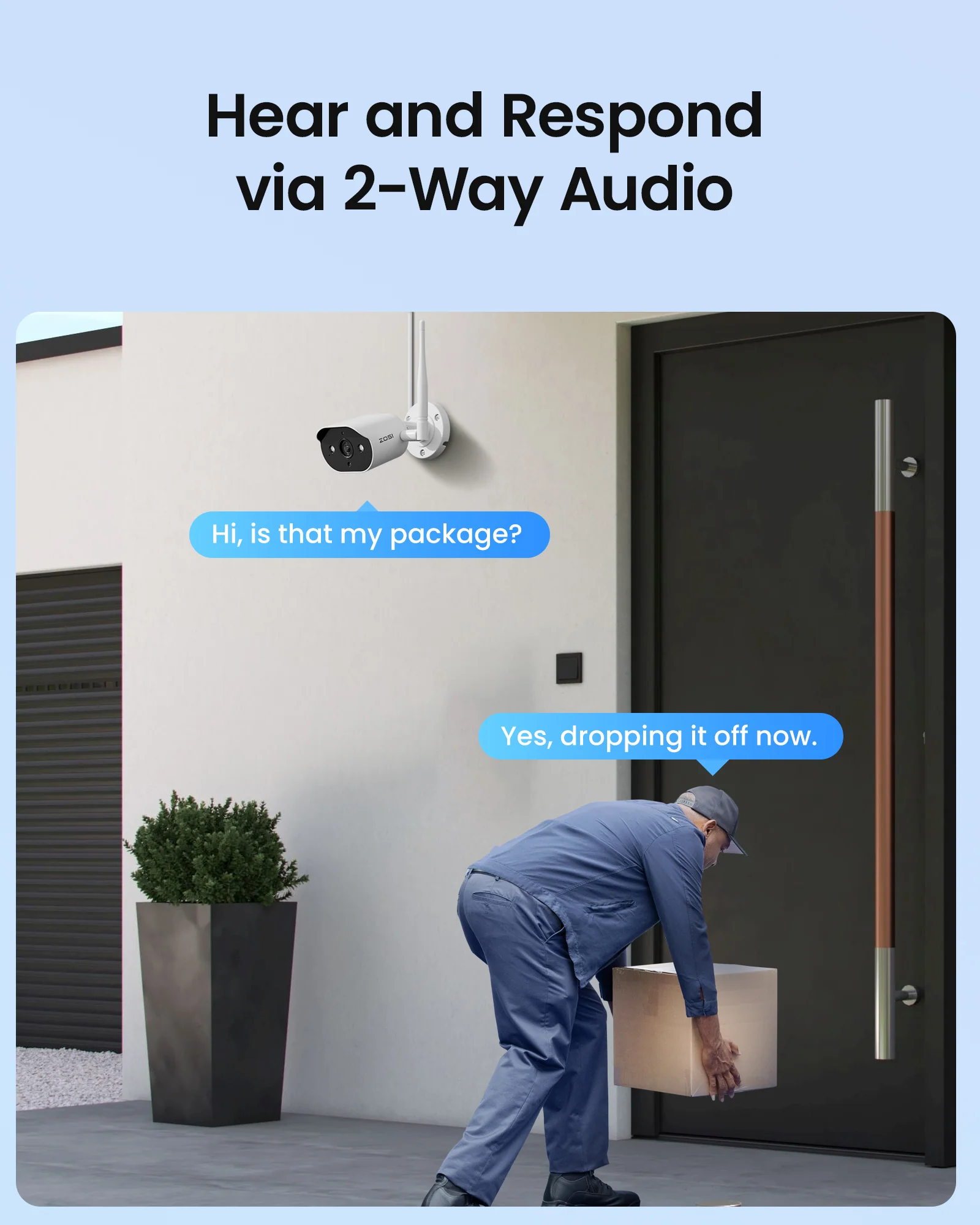
    Yes. The cameras support two-way audio with built-in mic and speaker, enabling remote communication through the ZOSI Smart App. Perfect for talking to family or pets. The app provides live viewing and playback from anywhere with internet access.

    \n
    \n
    \n
  • \n
  • \n

    How to Add a ZOSI Camera to this System?

    \n
    \n
    \n

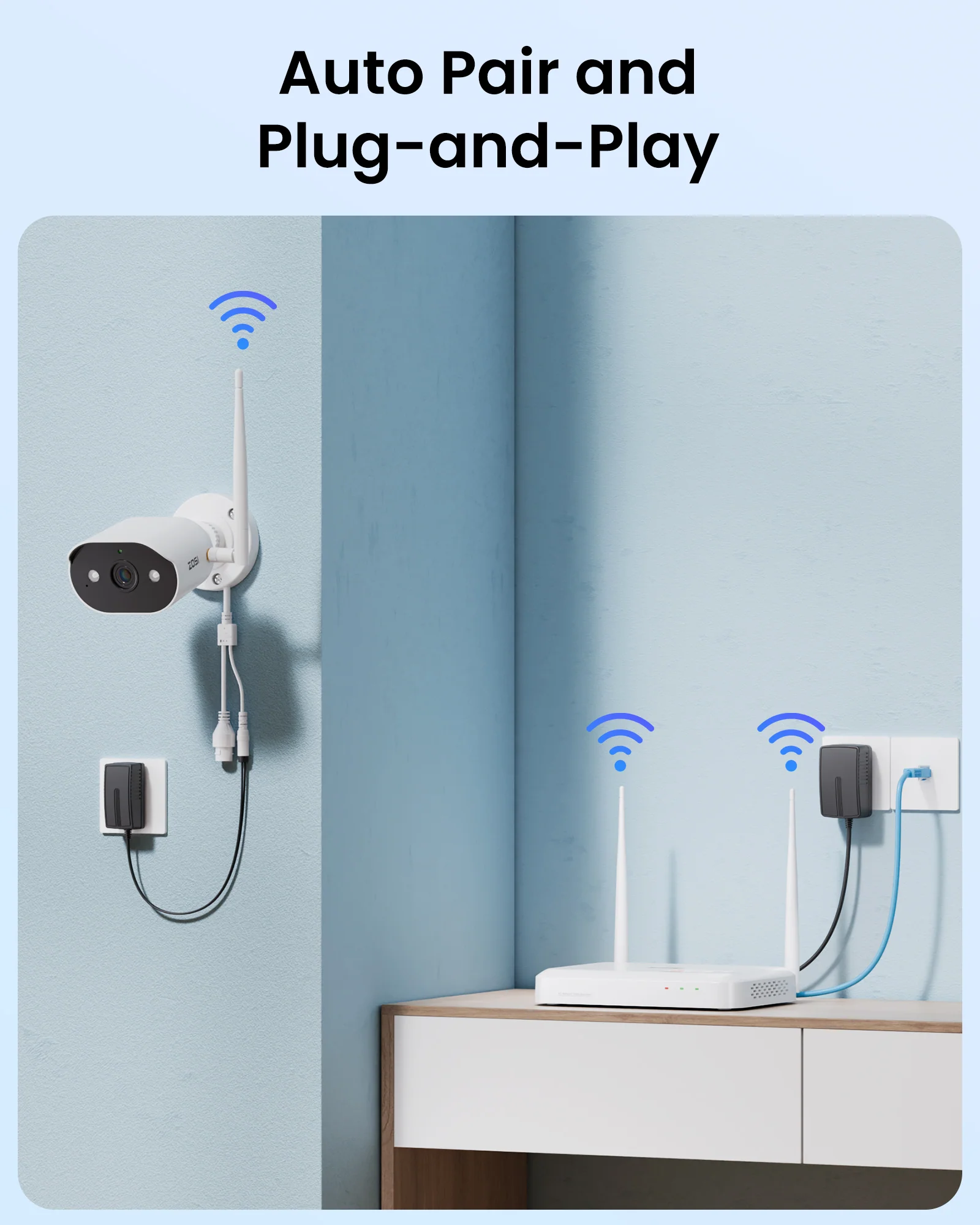
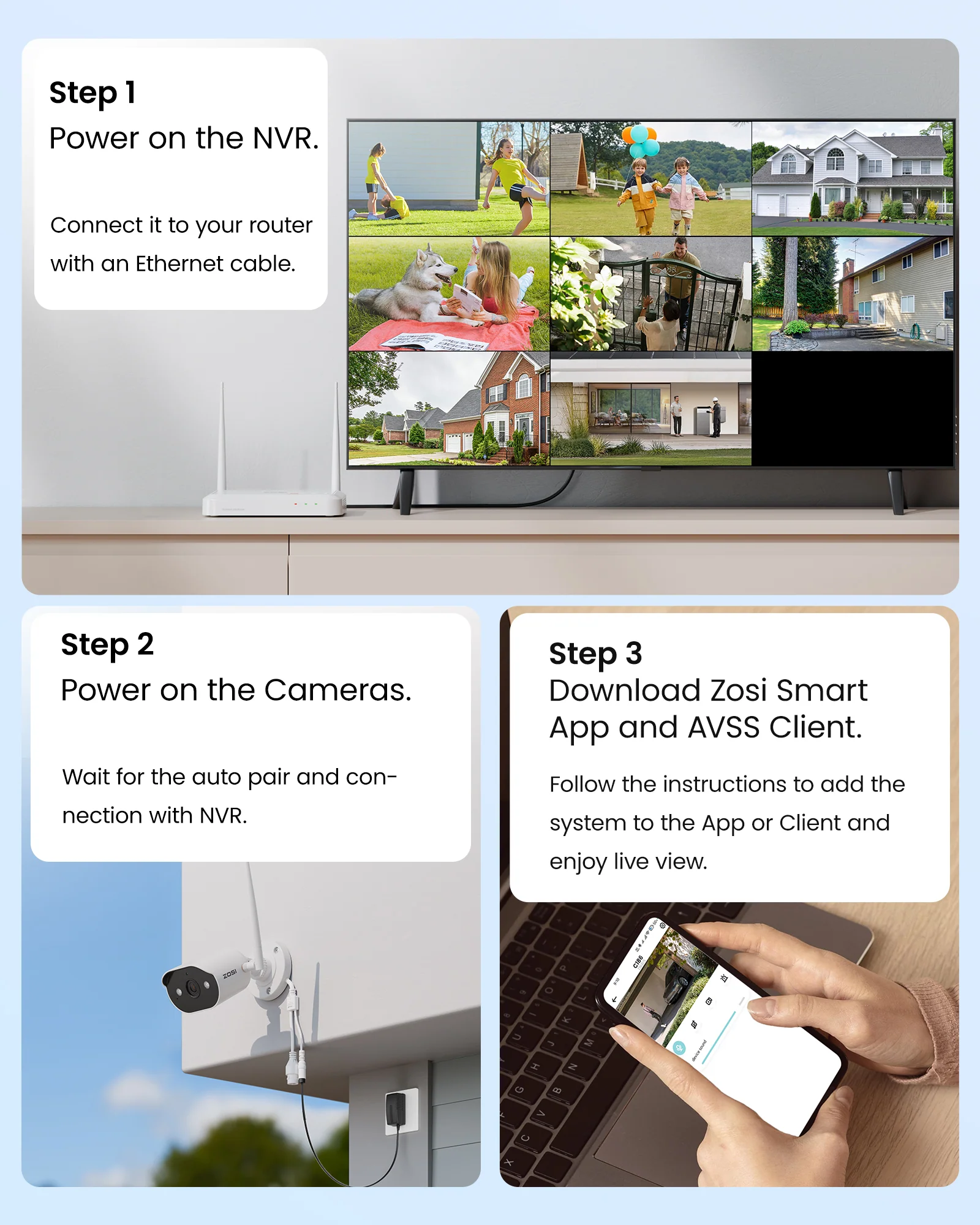
    1 .Power on the camera and NVR. Connect them via Ethernet cable.\n\n 2. Right-click the NVR live view → IPC Channel Config → Search.\n \n 3. Click \"Add All\" → Wait for \"Connected\" status and live feed.

    \n
    \n
    \n
  • \n
  • \n \n
  • \n
\n
\n \n \n
\n
\n
\n
\n\n","image":["/images/shopzosi.shop/images/product/c302-wi-fi-6-wireless-security-camera-system-1.png","/images/shopzosi.shop/images/product/c302-wi-fi-6-wireless-security-camera-system-2.png","/images/shopzosi.shop/images/product/c302-wi-fi-6-wireless-security-camera-system-3.jpg","/images/shopzosi.shop/images/product/c302-wi-fi-6-wireless-security-camera-system-4.jpg","/images/shopzosi.shop/images/product/c302-wi-fi-6-wireless-security-camera-system-5.jpg","/images/shopzosi.shop/images/product/c302-wi-fi-6-wireless-security-camera-system-6.jpg","/images/shopzosi.shop/images/product/c302-wi-fi-6-wireless-security-camera-system-7.jpg","/images/shopzosi.shop/images/product/c302-wi-fi-6-wireless-security-camera-system-8.jpg","/images/shopzosi.shop/images/product/c302-wi-fi-6-wireless-security-camera-system-9.jpg","/images/shopzosi.shop/images/product/c302-wi-fi-6-wireless-security-camera-system-10.jpg","/images/shopzosi.shop/images/product/c302-wi-fi-6-wireless-security-camera-system-11.jpg","/images/shopzosi.shop/images/product/c302-wi-fi-6-wireless-security-camera-system-12.jpg","/images/shopzosi.shop/images/product/c302-wi-fi-6-wireless-security-camera-system-13.jpg","/images/shopzosi.shop/images/product/c302-wi-fi-6-wireless-security-camera-system-14.jpg","/images/shopzosi.shop/images/product/c302-wi-fi-6-wireless-security-camera-system-15.jpg","/images/shopzosi.shop/images/product/c302-wi-fi-6-wireless-security-camera-system-16.jpg","/images/shopzosi.shop/images/product/c302-wi-fi-6-wireless-security-camera-system-17.jpg","/images/shopzosi.shop/images/product/c302-wi-fi-6-wireless-security-camera-system-18.png"],"sku":"c302-wi-fi-6-wireless-security-camera-system","brand":{"@type":"Brand","name":"Zosi"},"offers":{"@type":"AggregateOffer","lowPrice":52.5,"highPrice":105,"priceCurrency":"USD","availability":"https://schema.org/InStock","url":"https://shopzosi.shop/products/c302-wi-fi-6-wireless-security-camera-system","offerCount":6}}
HomeStore

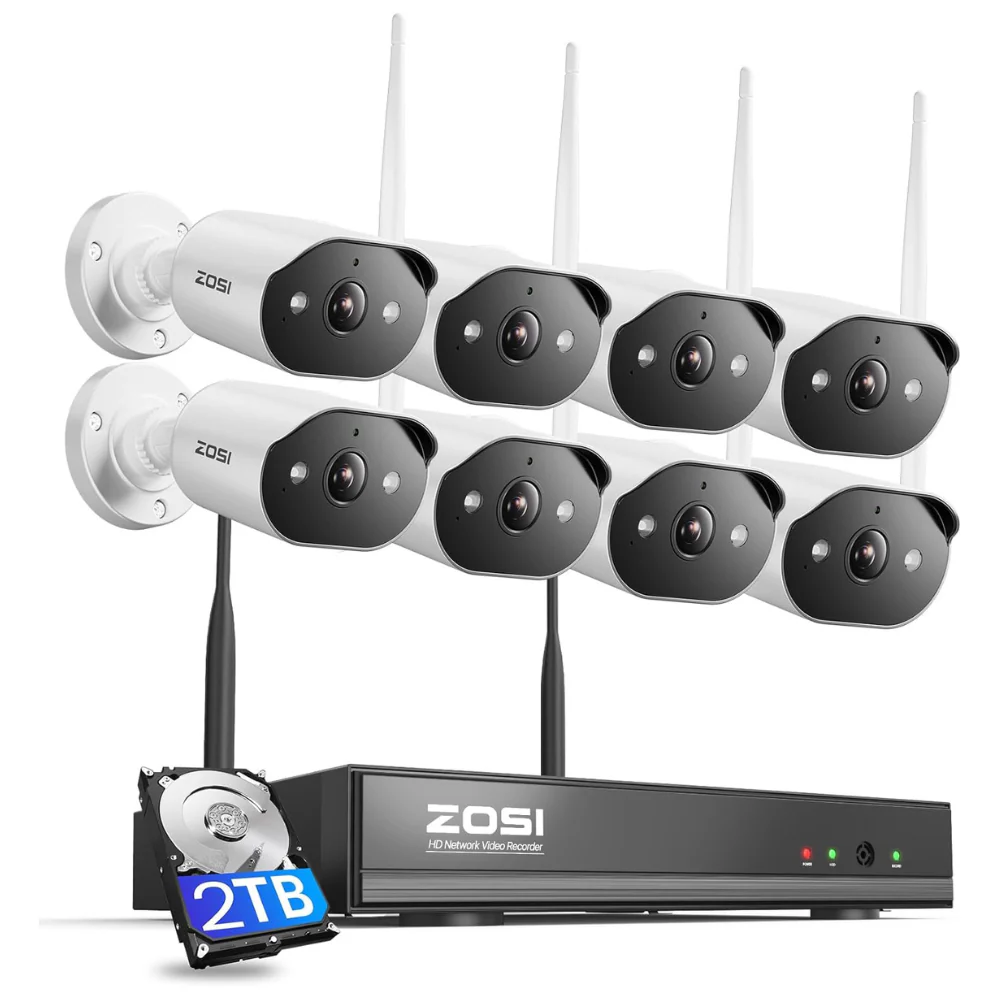
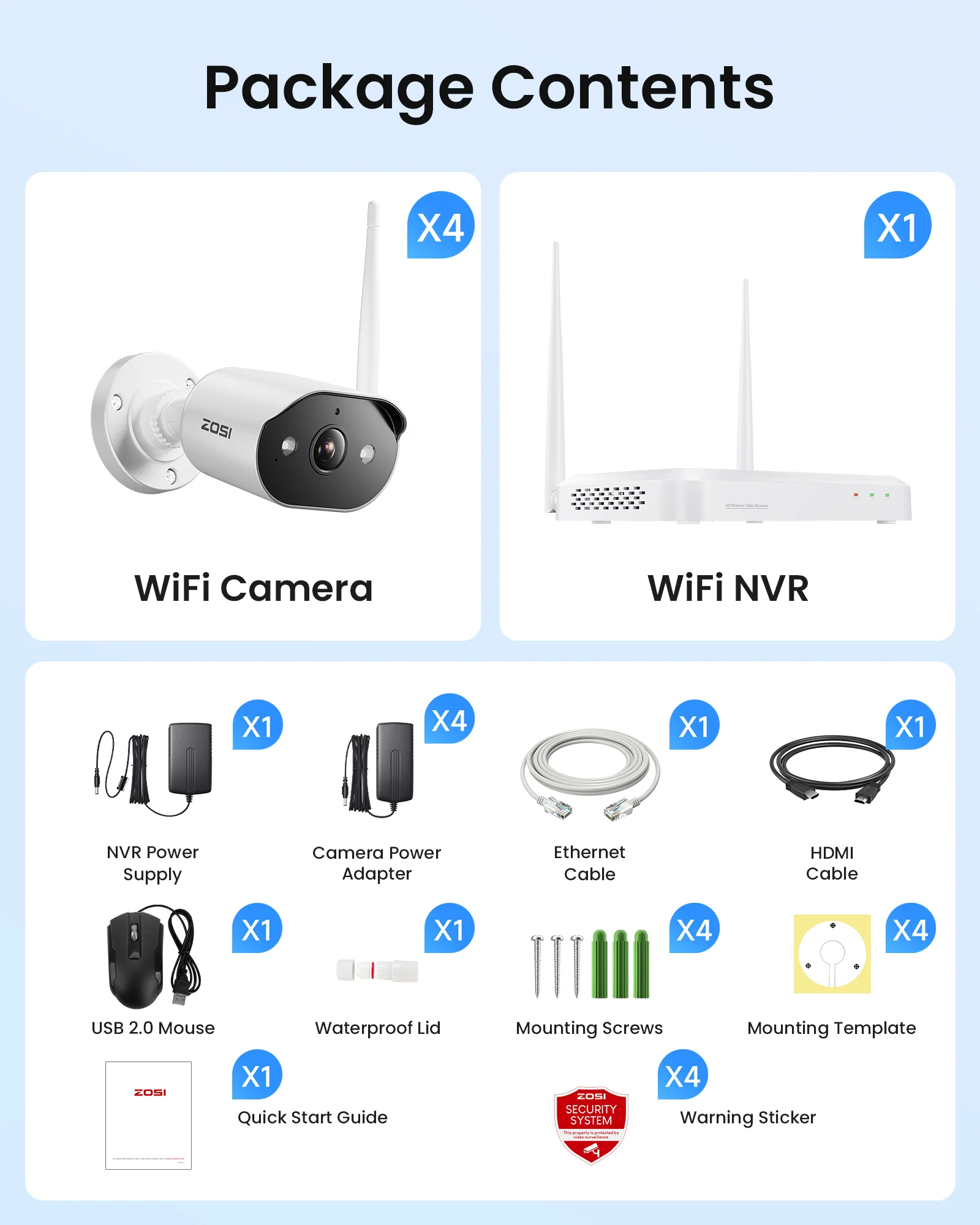
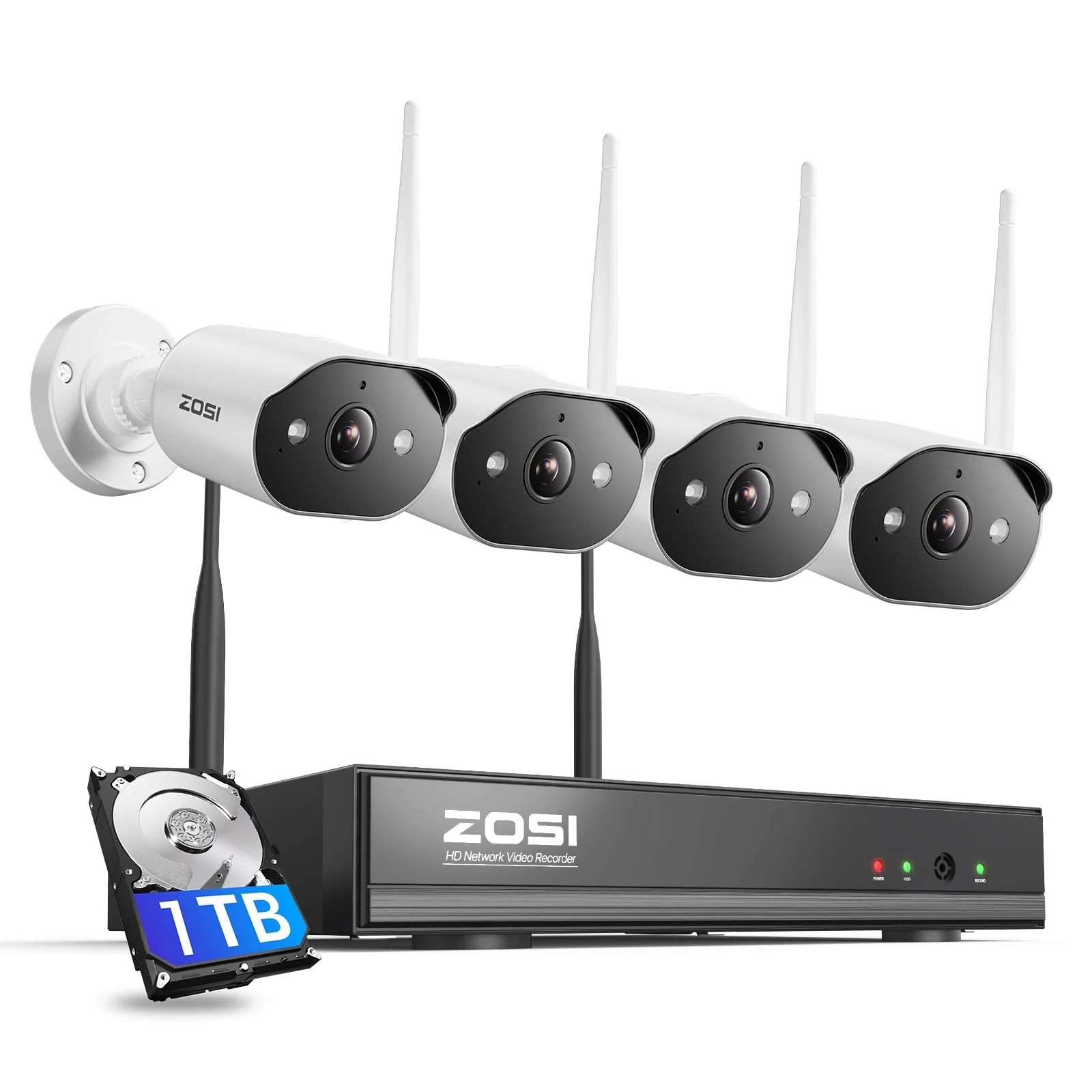
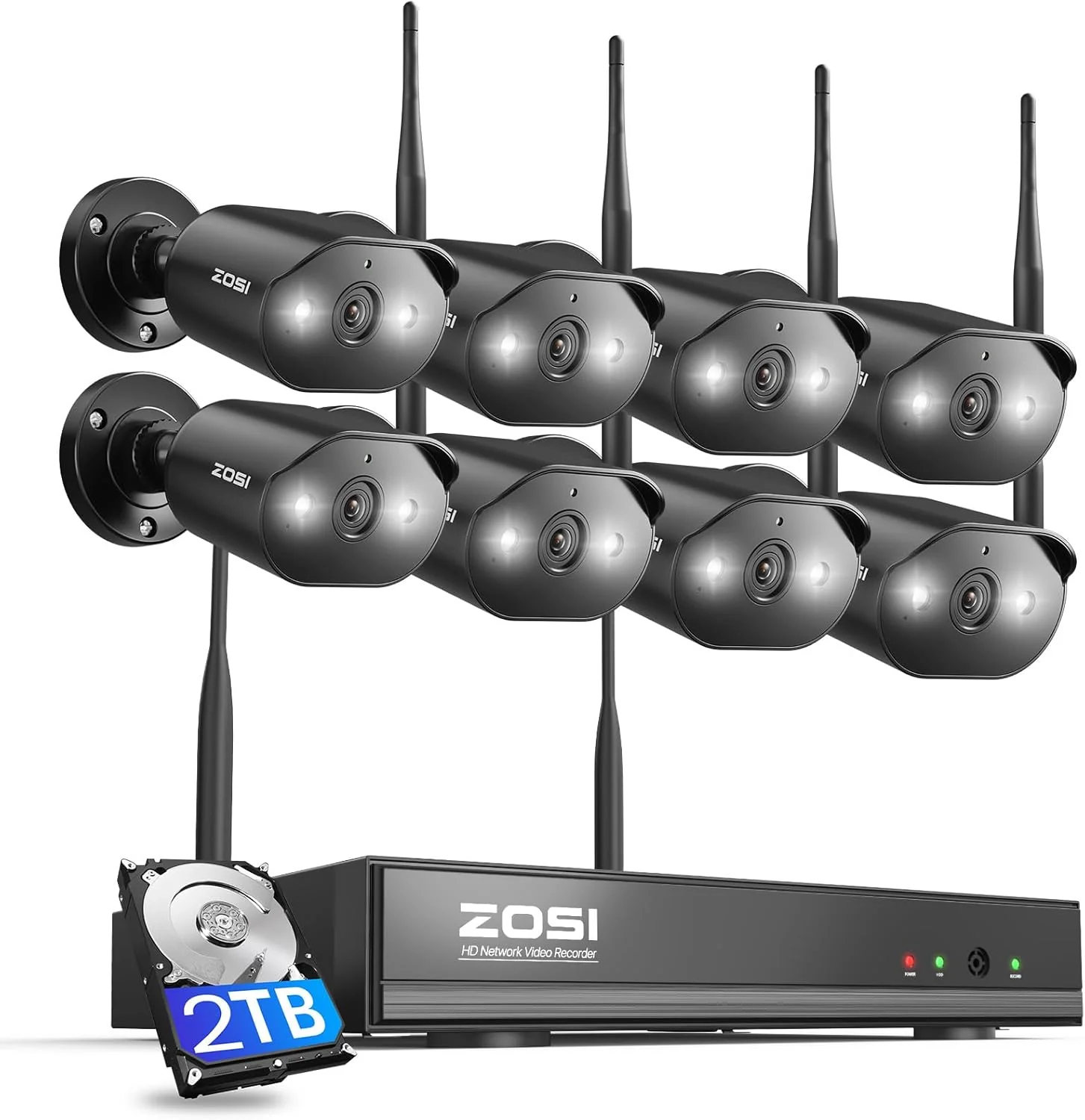
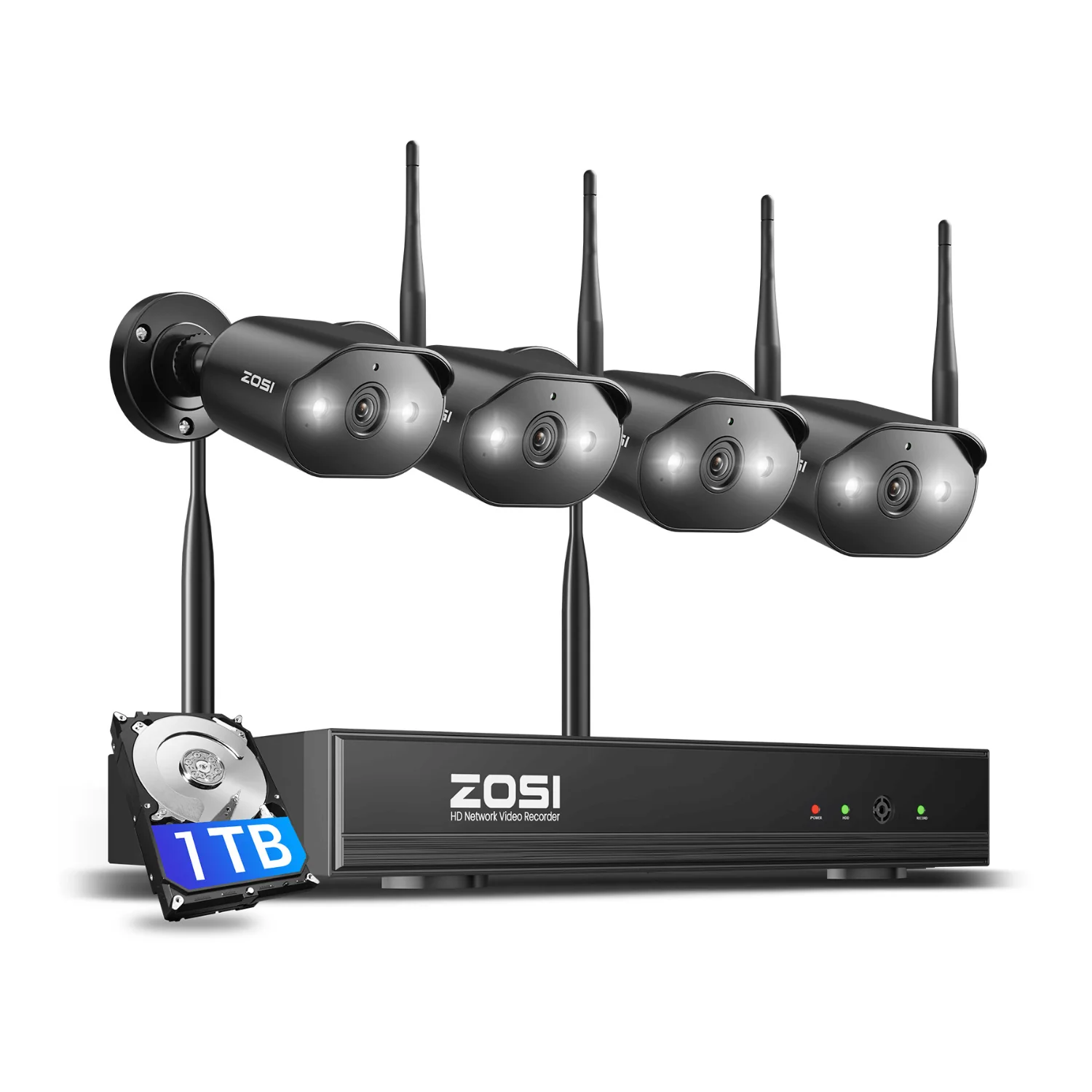
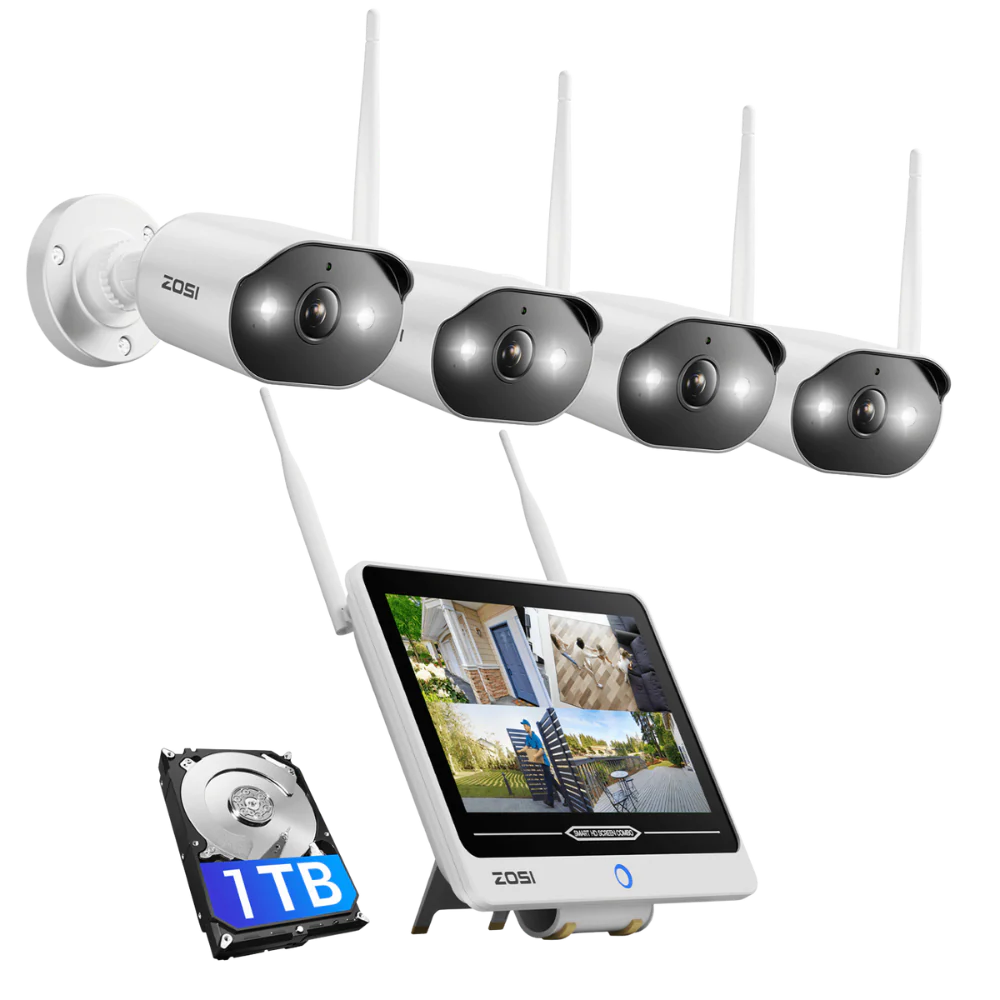
C302 3MP 8 Channel WiFi-6 Security Camera System + Up To 2TB HDD Local Storage

Product image 1
Product image 2
Product image 3
Product image 4
Product image 5
Product image 6
Product image 7
Product image 8
Product image 9
Product image 10
Product image 11
Product image 12
Product image 13
Product image 14
Product image 15
Product image 16
Product image 17
Product image 18

C302 3MP 8 Channel WiFi-6 Security Camera System + Up To 2TB HDD Local Storage

C302 3MP 8 Channel WiFi-6 Security Camera System + Up To 2TB HDD Local Storage

Sharp 2K Resolution

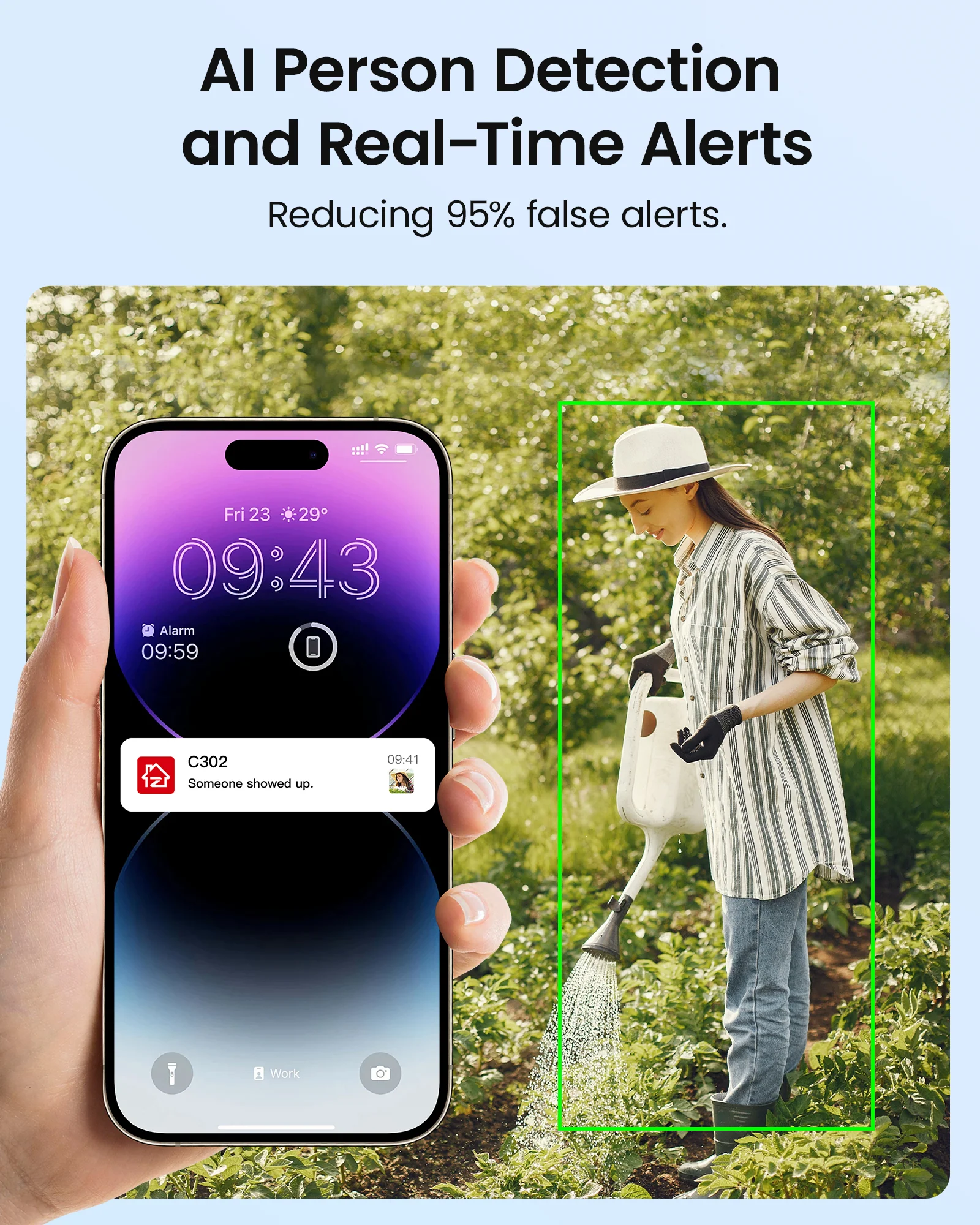
Smart AI Detection

Two-Way Audio

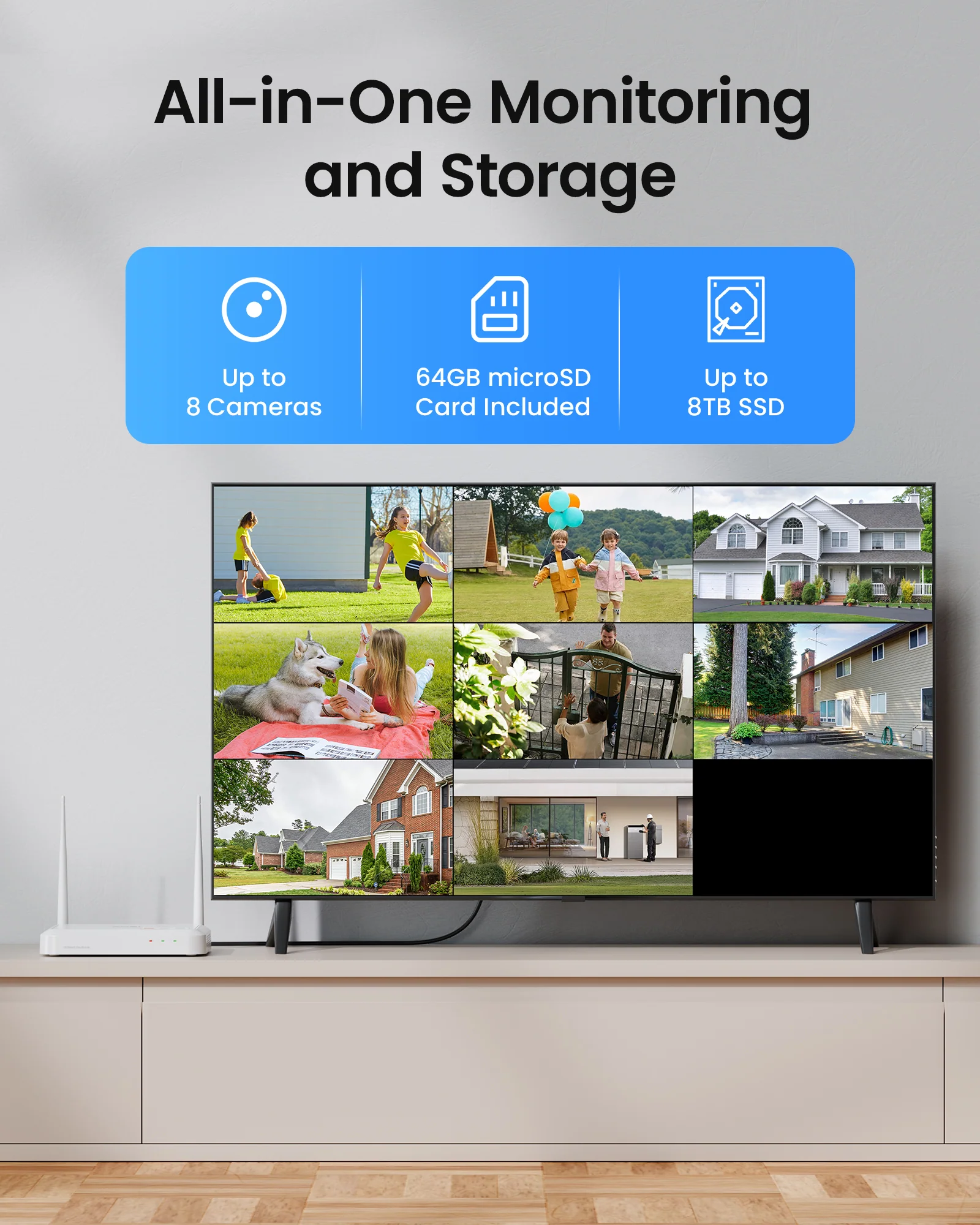
Flexible Storage Options

Secure Your Privacy Zones

Dual View on One Screen Dual View on One Screen


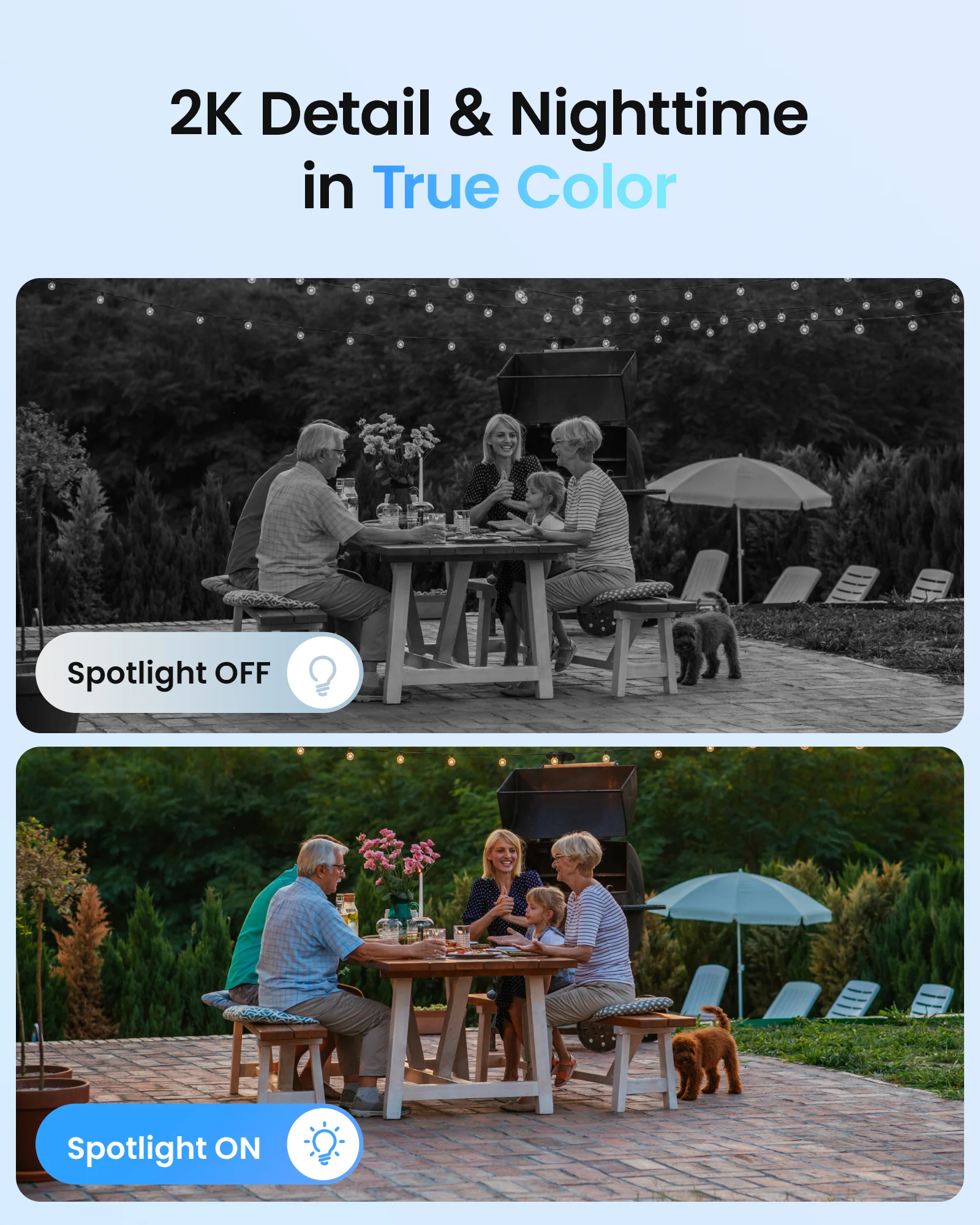
Color Night Vision

Infrared Night Vision

Weatherproof IP66

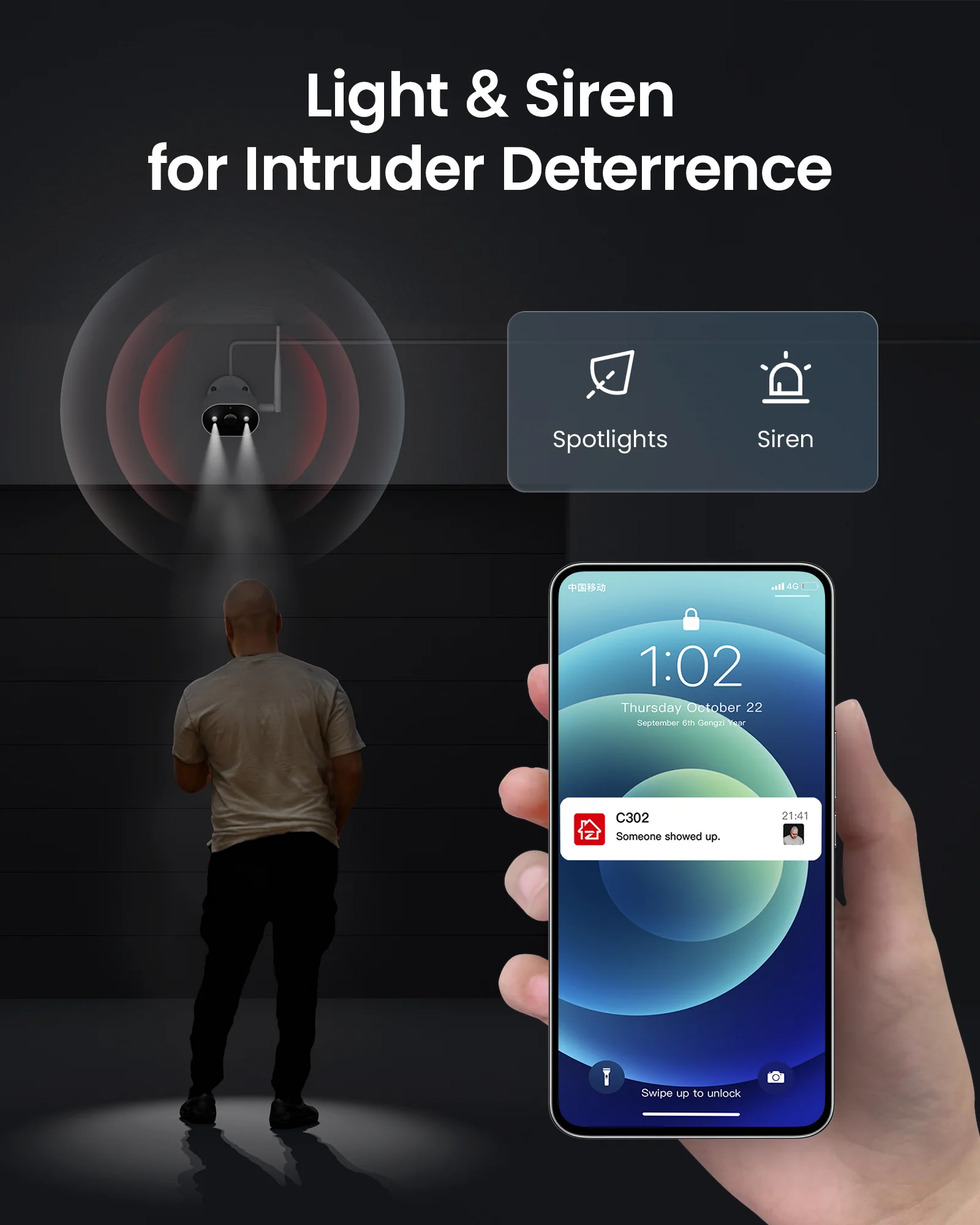
Smart Light & Siren Alarm

Smart & Easy Playback

Dual View on One Screen Dual View on One Screen


Installation Steps

Pre-install 64GB SD card

Works Online or Offline

Local Storage

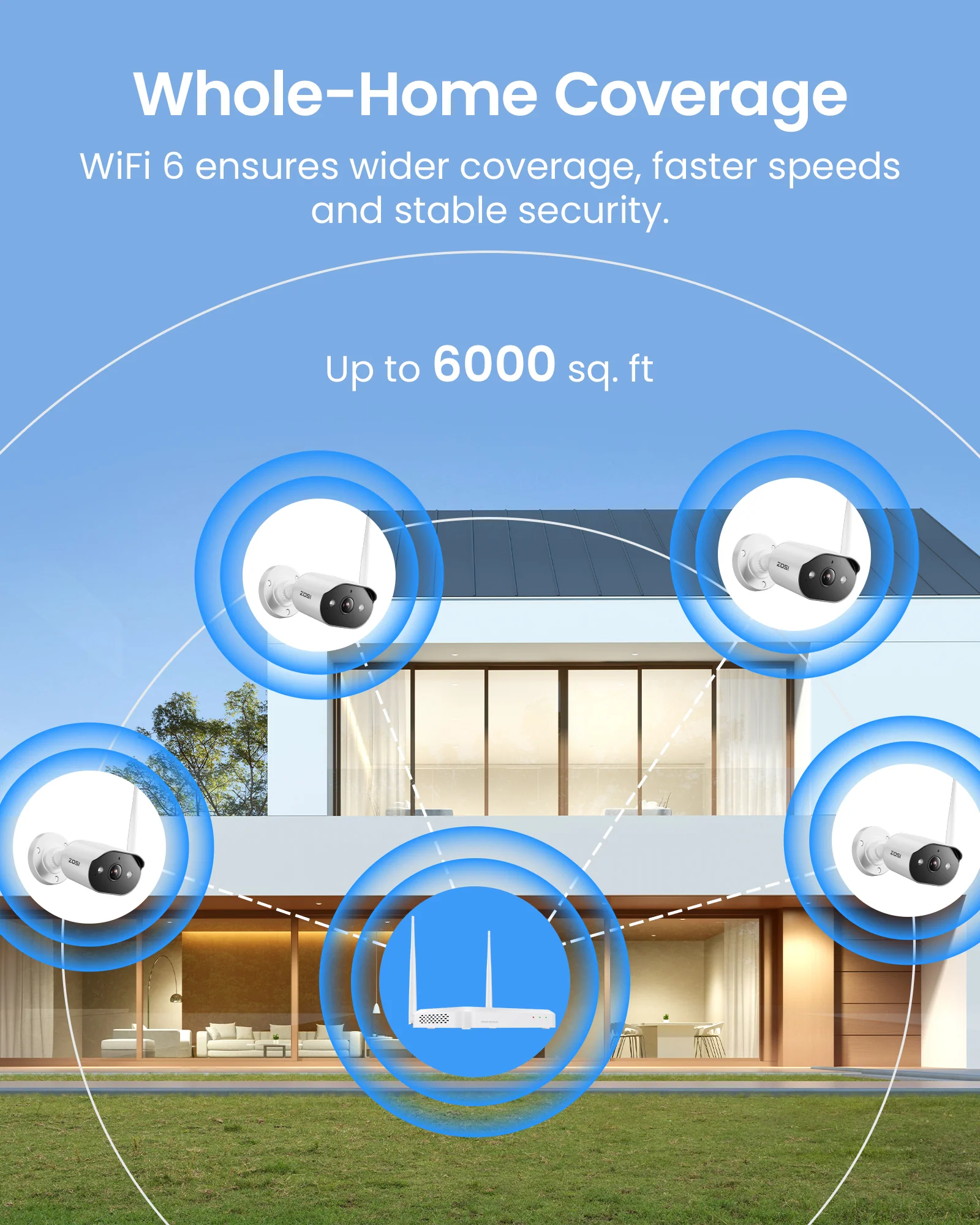
WiFi 6 Technology

Dual View on One Screen Dual View on One Screen


Support

  • NVR Specs

  • Manuals / Downloads

  • Tutorial Videos

FAQs

  • Does this WiFi camera System need a power supply?

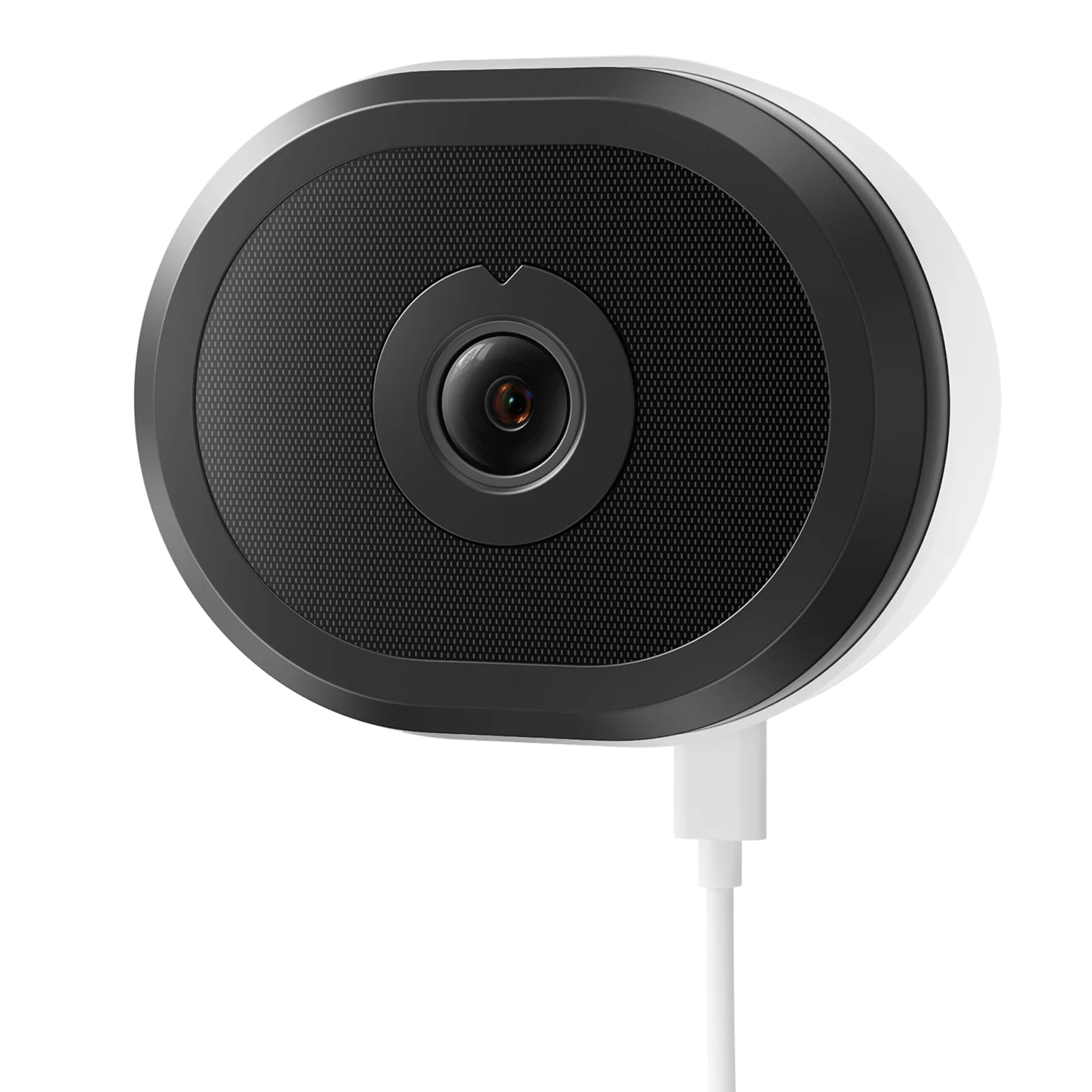
    Yes. While the cameras transmit video wirelessly to the NVR over Wi-Fi network (eliminating video cables), they require a constant wired power connection, as they are not battery-powered. For remote access, the NVR must be connected to your router.

  • How does the system manage recording and storage?

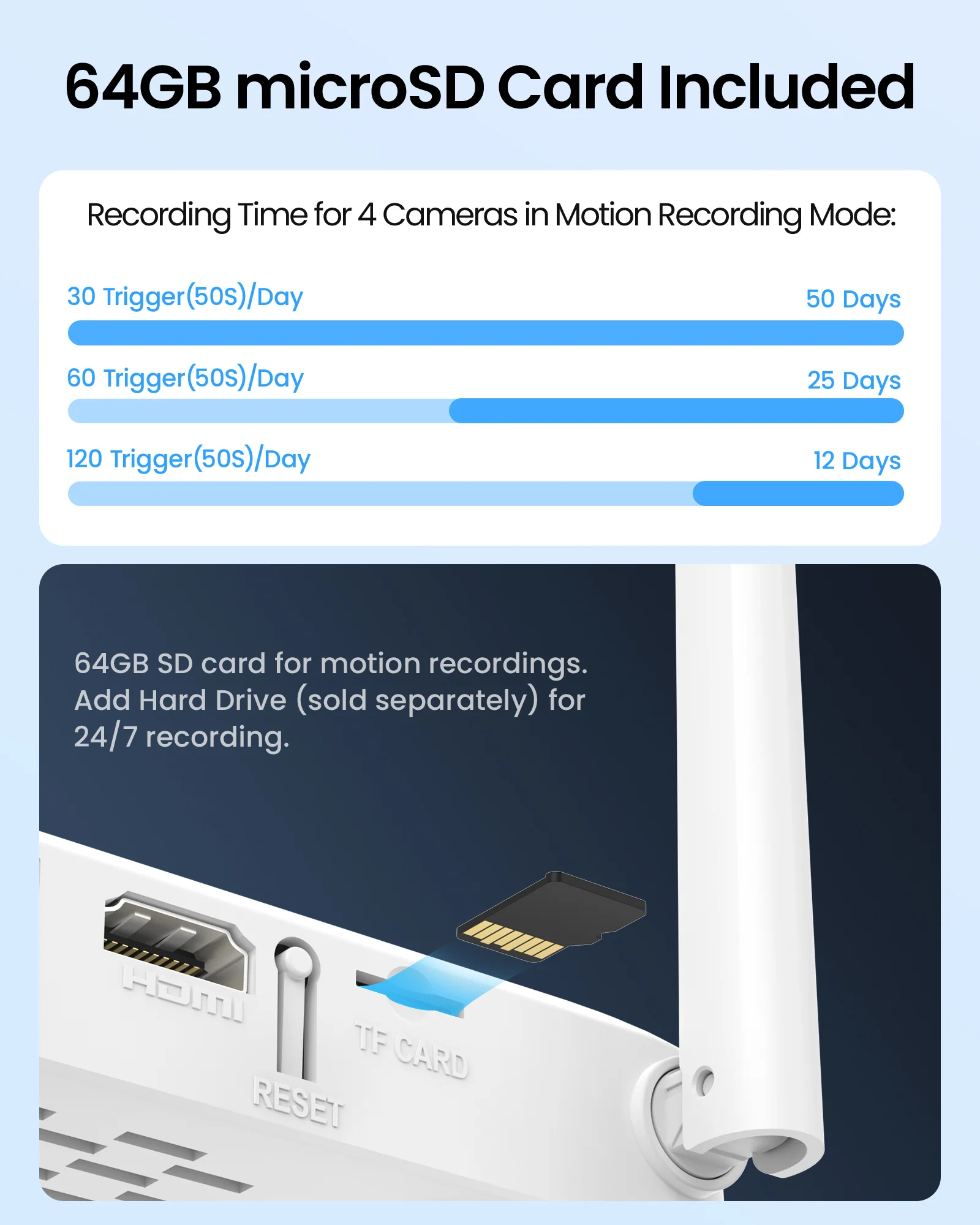
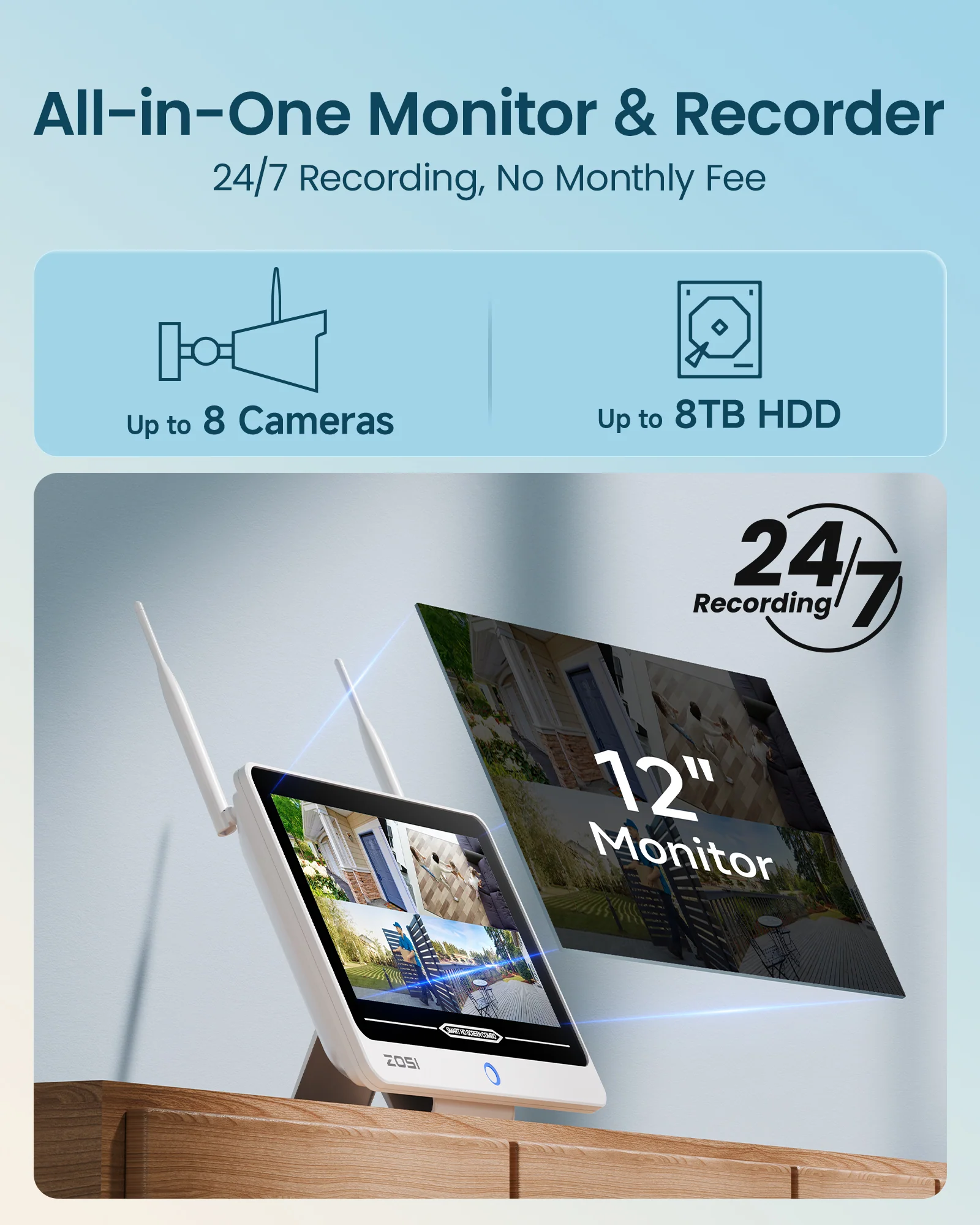
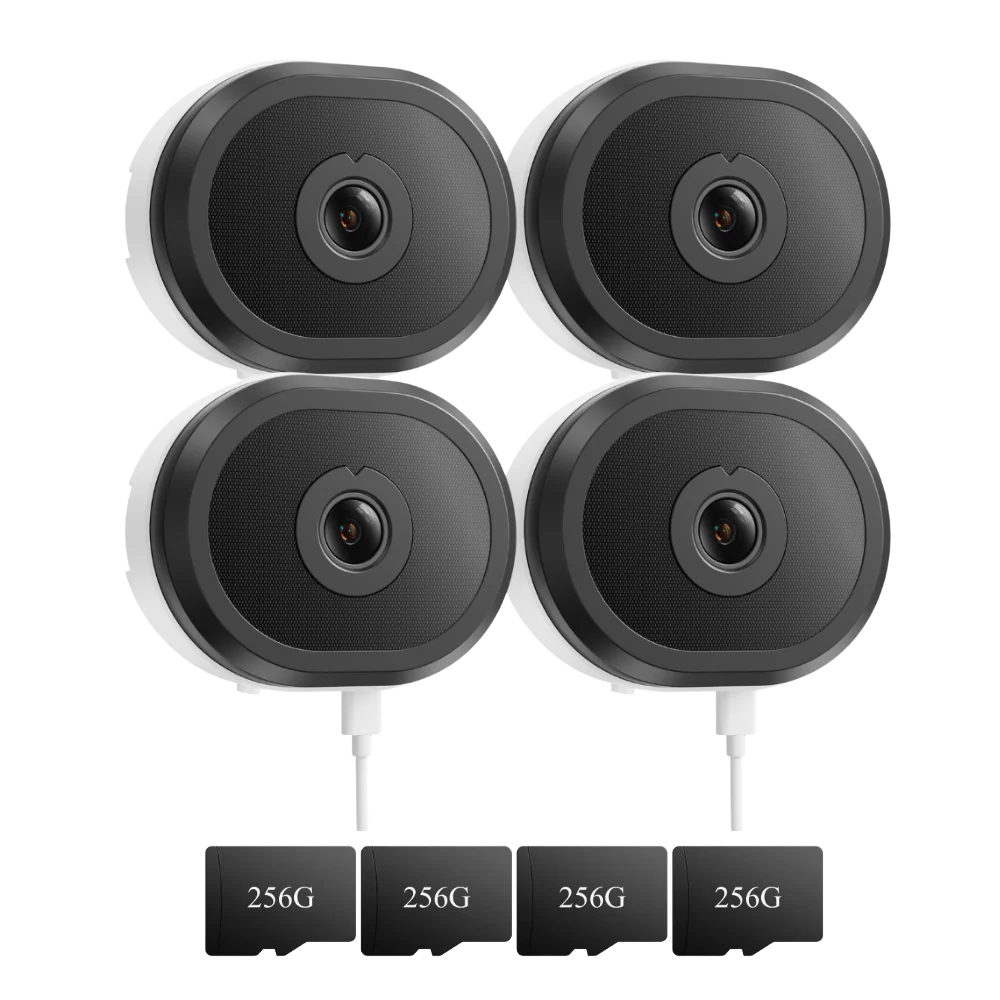
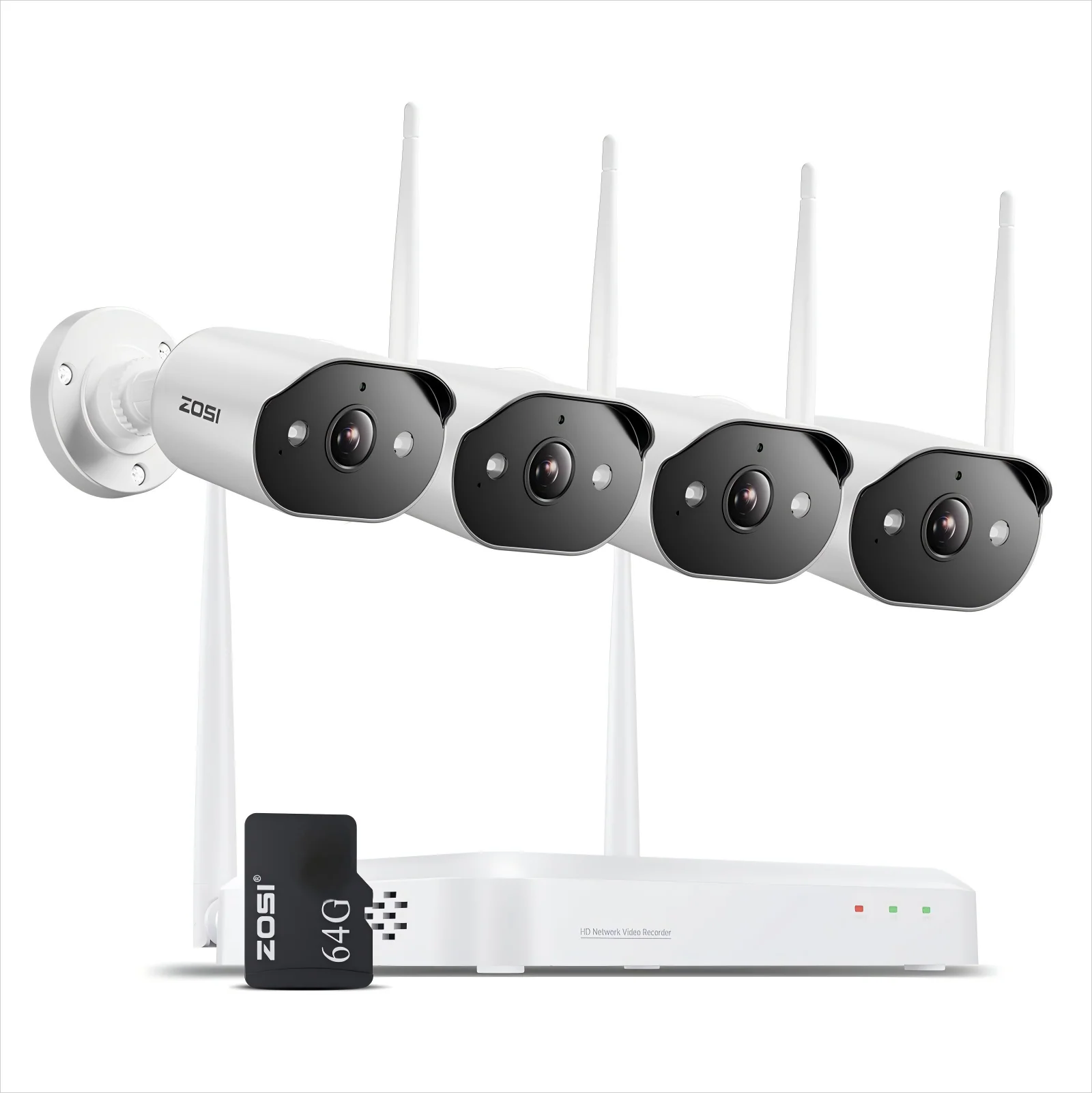
    his system provides professional-grade storage management: Motion-Activated Recording: Included 64GB SD card stores up to 25days of event recordings (for 4 cameras) 24/7 Continuous Recording: Add a hard drive for uninterrupted surveillance

  • Can I communicate through the cameras and access them remotely?

    Yes. The cameras support two-way audio with built-in mic and speaker, enabling remote communication through the ZOSI Smart App. Perfect for talking to family or pets. The app provides live viewing and playback from anywhere with internet access.

  • How to Add a ZOSI Camera to this System?

    1 .Power on the camera and NVR. Connect them via Ethernet cable. 2. Right-click the NVR live view → IPC Channel Config → Search. 3. Click "Add All" → Wait for "Connected" status and live feed.

Select Storage
Select Color
From $52.50

Original: $149.99

-65%
C302 3MP 8 Channel WiFi-6 Security Camera System + Up To 2TB HDD Local Storage

$149.99

$52.50

Product Information

Shipping & Returns
Description

Sharp 2K Resolution

Smart AI Detection

Two-Way Audio

Flexible Storage Options

Secure Your Privacy Zones

Dual View on One Screen Dual View on One Screen


Color Night Vision

Infrared Night Vision

Weatherproof IP66

Smart Light & Siren Alarm

Smart & Easy Playback

Dual View on One Screen Dual View on One Screen


Installation Steps

Pre-install 64GB SD card

Works Online or Offline

Local Storage

WiFi 6 Technology

Dual View on One Screen Dual View on One Screen


Support

  • NVR Specs

  • Manuals / Downloads

  • Tutorial Videos

FAQs

  • Does this WiFi camera System need a power supply?

    Yes. While the cameras transmit video wirelessly to the NVR over Wi-Fi network (eliminating video cables), they require a constant wired power connection, as they are not battery-powered. For remote access, the NVR must be connected to your router.

  • How does the system manage recording and storage?

    his system provides professional-grade storage management: Motion-Activated Recording: Included 64GB SD card stores up to 25days of event recordings (for 4 cameras) 24/7 Continuous Recording: Add a hard drive for uninterrupted surveillance

  • Can I communicate through the cameras and access them remotely?

    Yes. The cameras support two-way audio with built-in mic and speaker, enabling remote communication through the ZOSI Smart App. Perfect for talking to family or pets. The app provides live viewing and playback from anywhere with internet access.

  • How to Add a ZOSI Camera to this System?

    1 .Power on the camera and NVR. Connect them via Ethernet cable. 2. Right-click the NVR live view → IPC Channel Config → Search. 3. Click "Add All" → Wait for "Connected" status and live feed.

You may also like

-65%
Thumbnail 1Thumbnail 2

C302 WiFi-6 3MP 8CH Security Camera System + 12 inch LCD Monitor + 2TB HDD

$259.99

$91.00

-65%
Thumbnail 1Thumbnail 2

C680 3MP Window Camera with 2.4GHz & 5GHz WiFi + Max. 256GB Local Storage

$29.99

$10.50

-65%
Thumbnail 1Thumbnail 2

C289 3MP Pan-Tilt Security Camera System + 500G Hard Drive

$189.99

$66.50