How far can a PoE camera be from the NVR?
\nDirect runs from an NVR's POE port to a camera can go up to 300 feet without any issues.
\nWhat's the maximum TB this system supports?
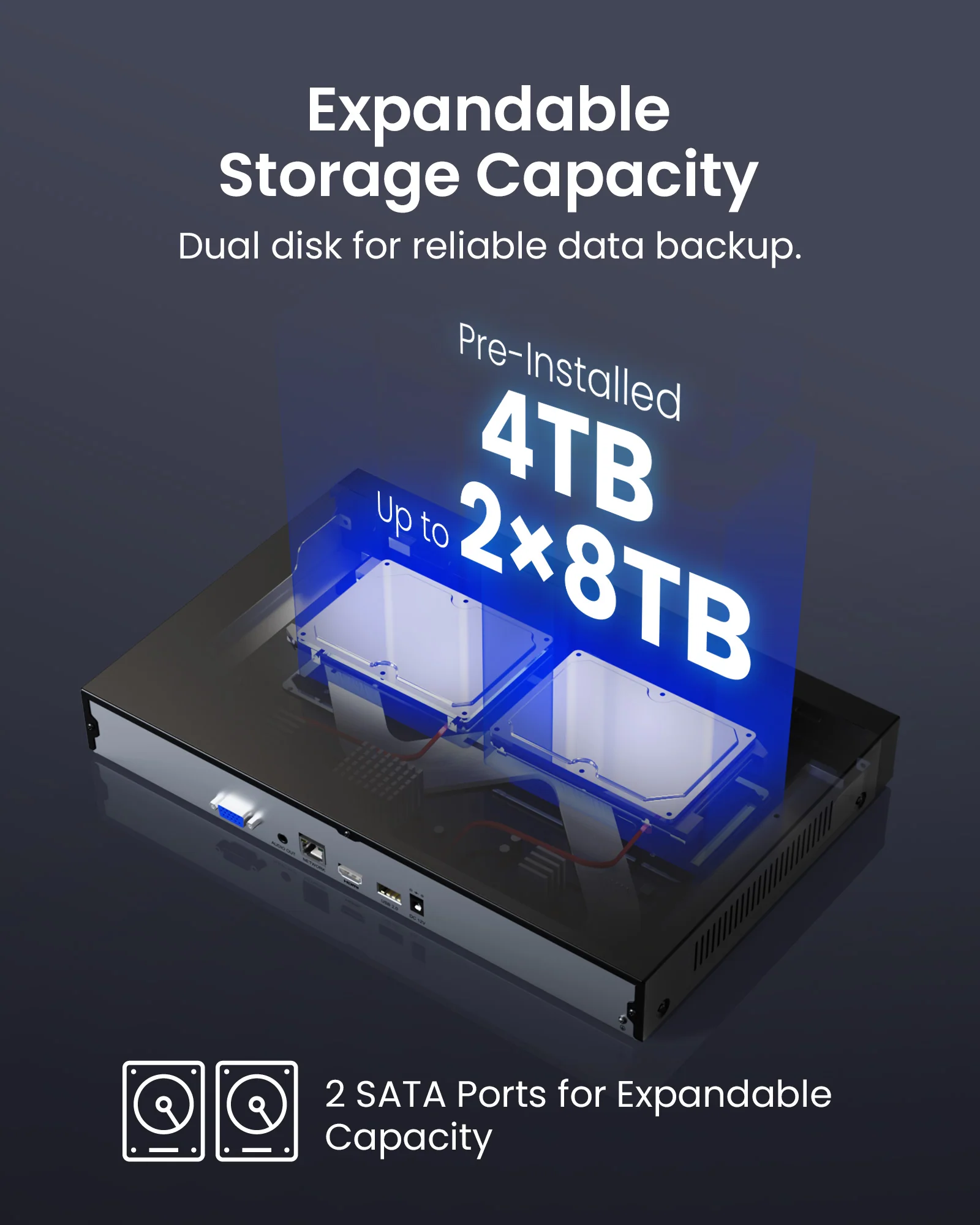
\nIt supports up to 16 TB.
\nHow to Connect Zosi POE Cameras with Zosi PoE NVRs
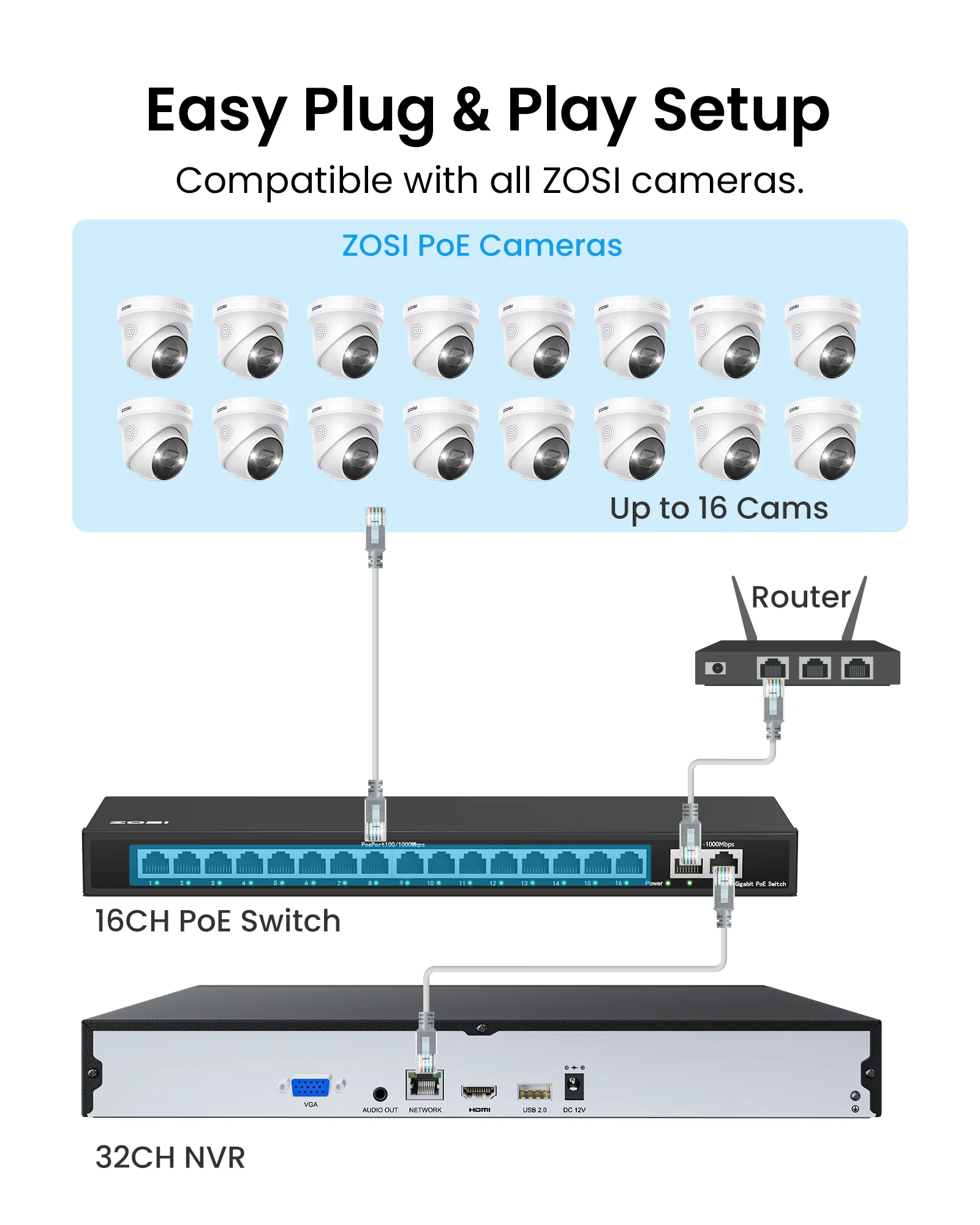
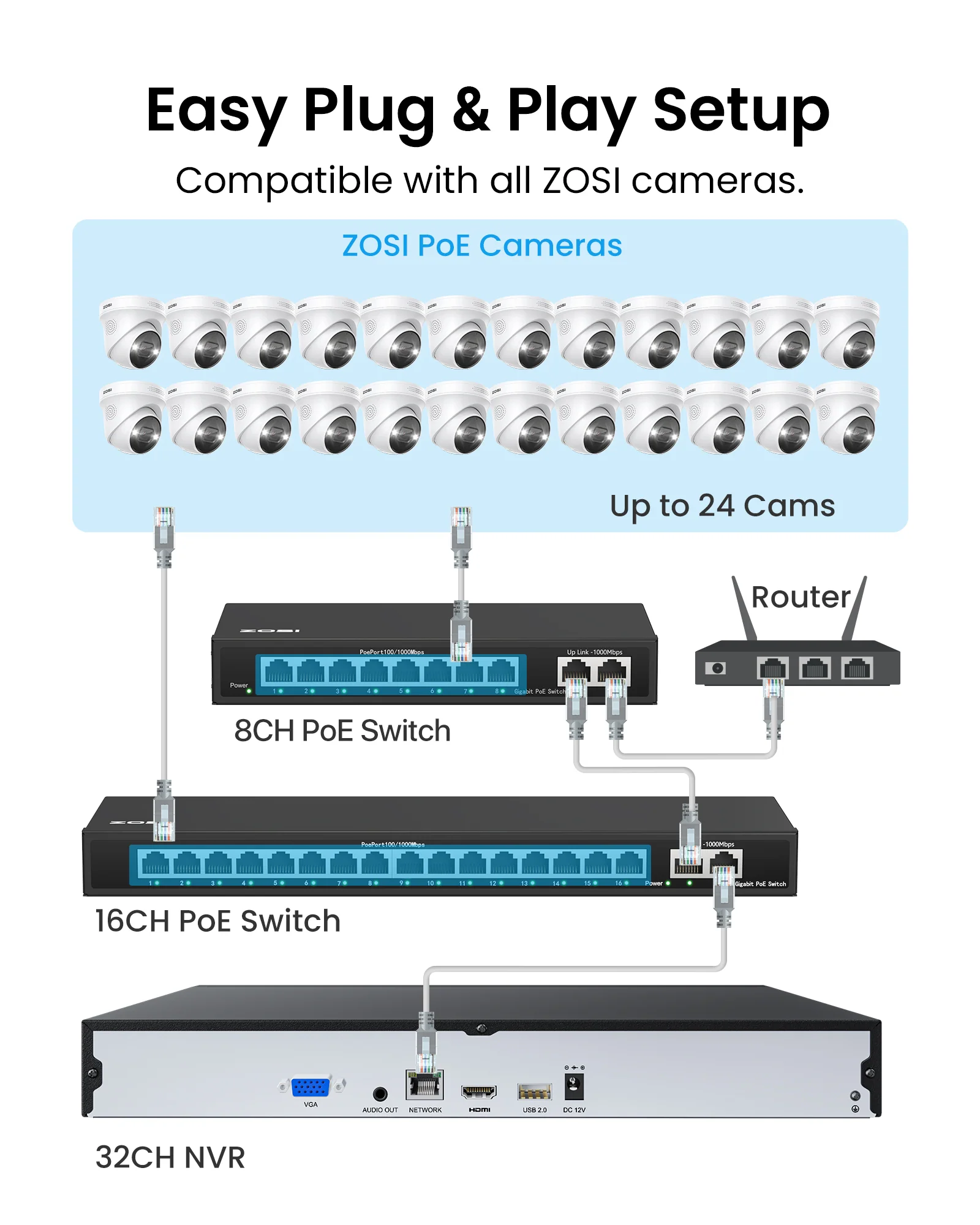
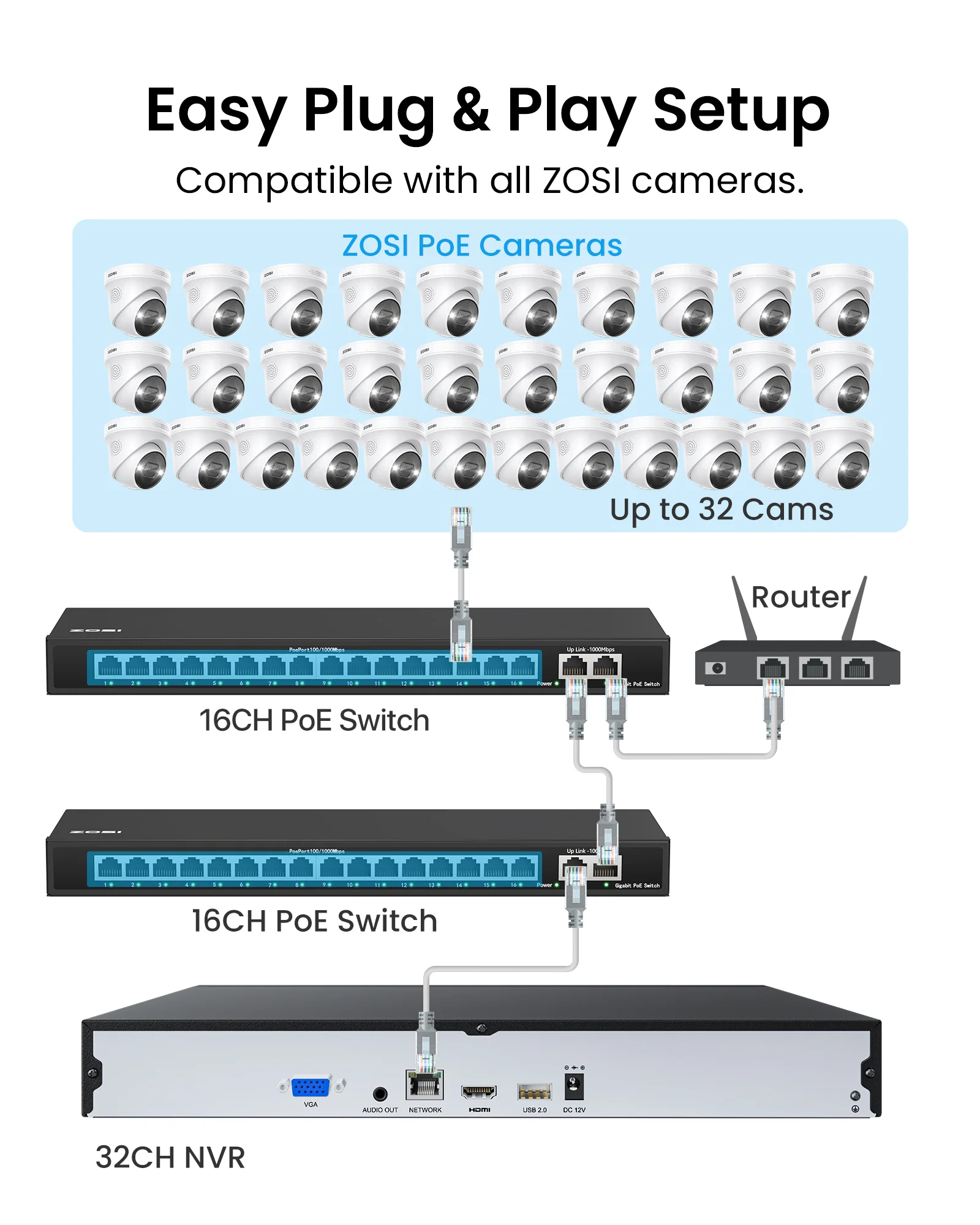
\nPoE cameras with PoE NVR,there are 2 ways to connect the system. 1 Connect the PoE cameras to the PoE NVR directly via an Ethernet cable. (suggested way). 2 Alternatively, you can power on this camera by a PoE switch/injector and connect to your router, then add this camera to the POE NVR system in the same local network.
\nHow many PoE cameras can I add to this system?
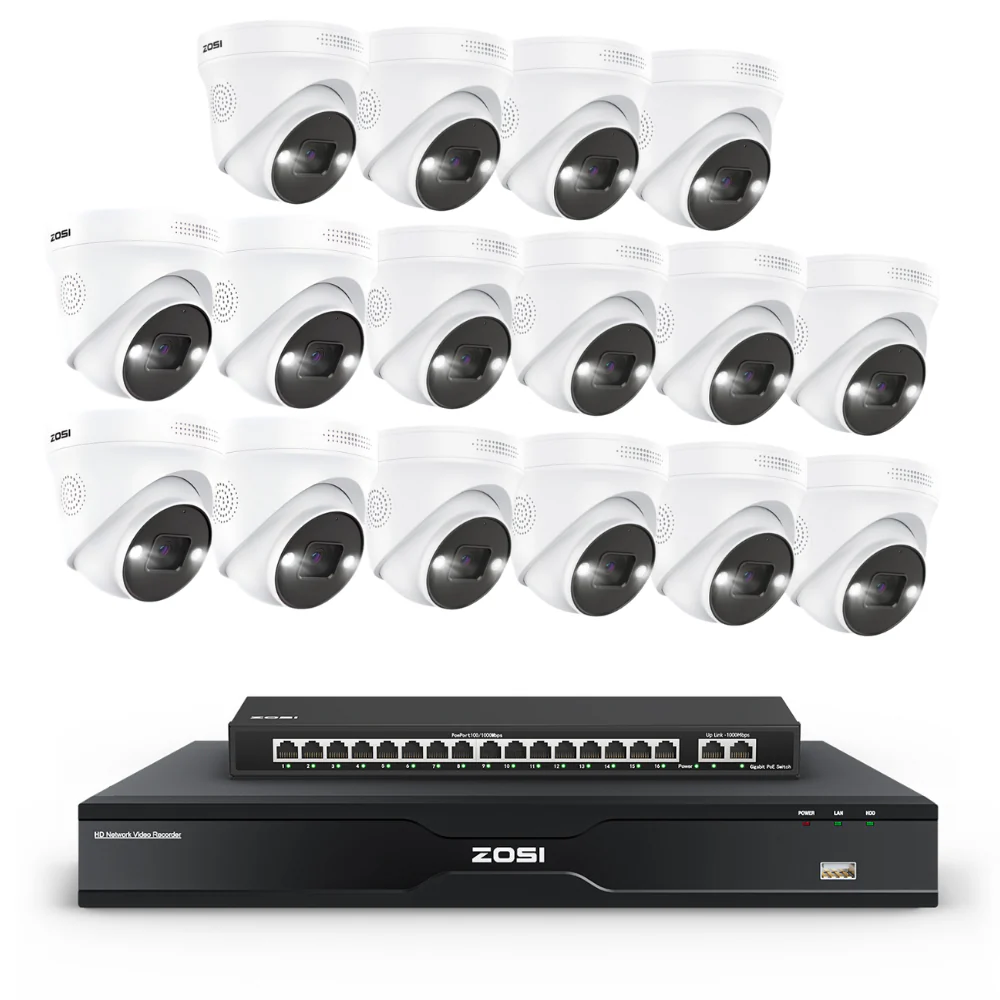
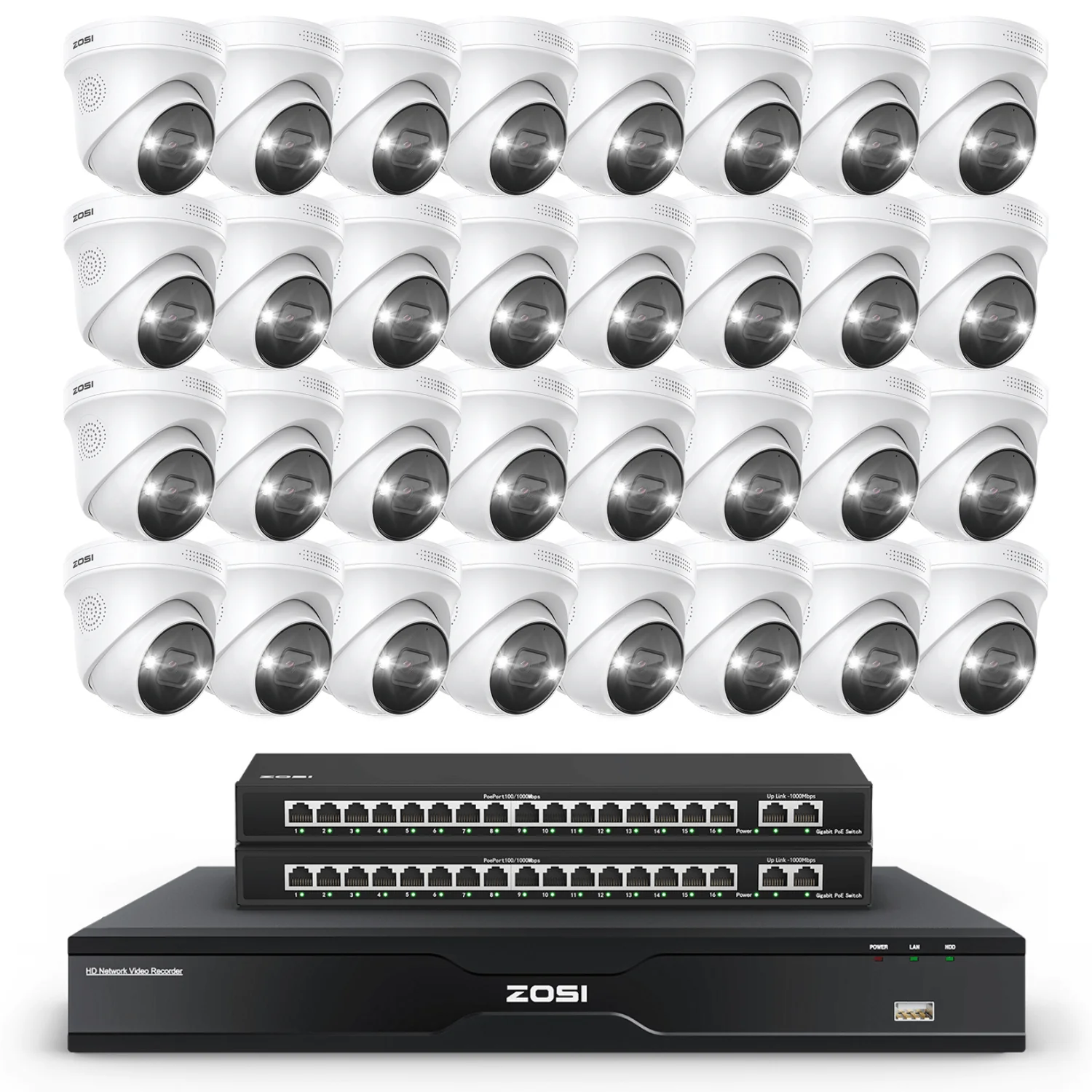
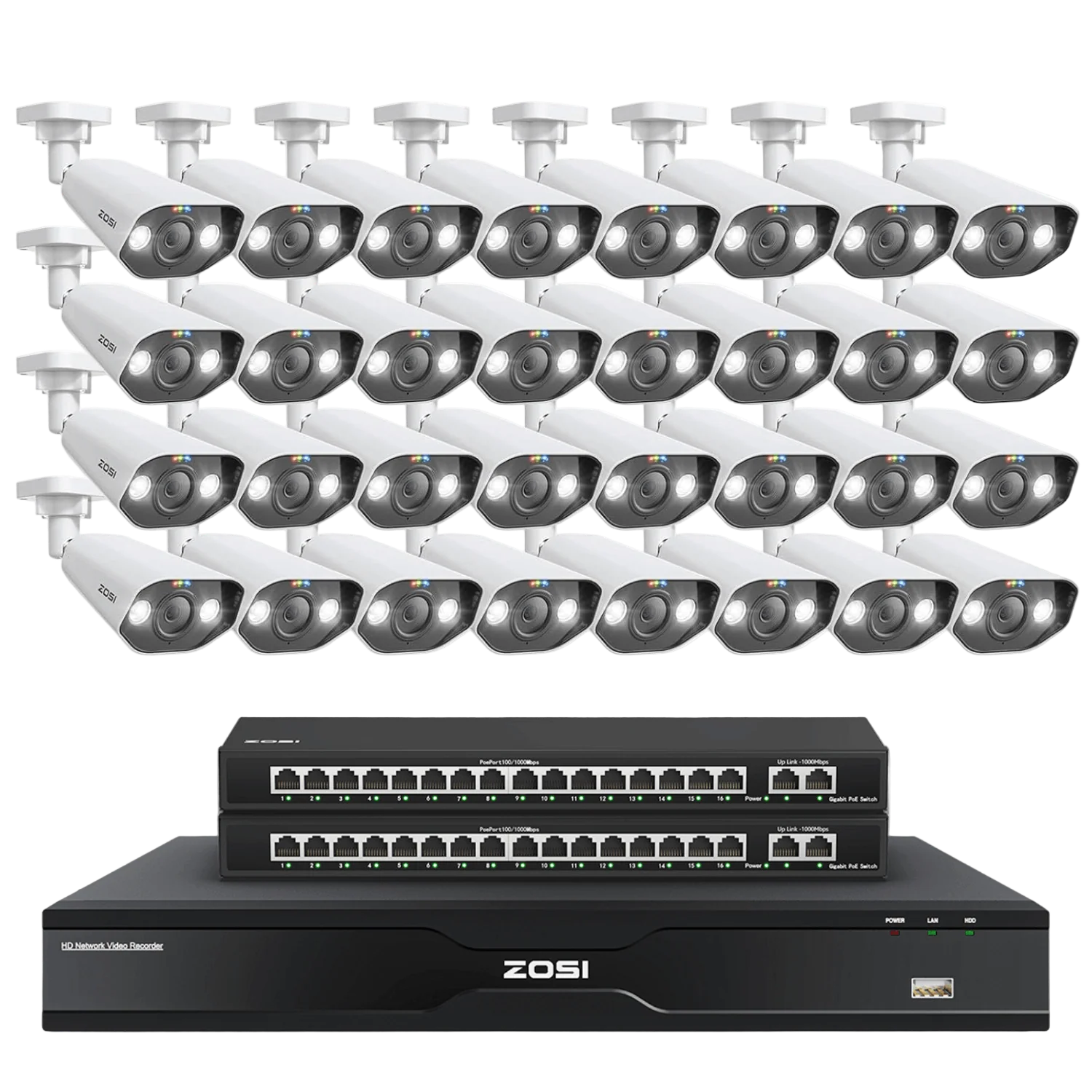
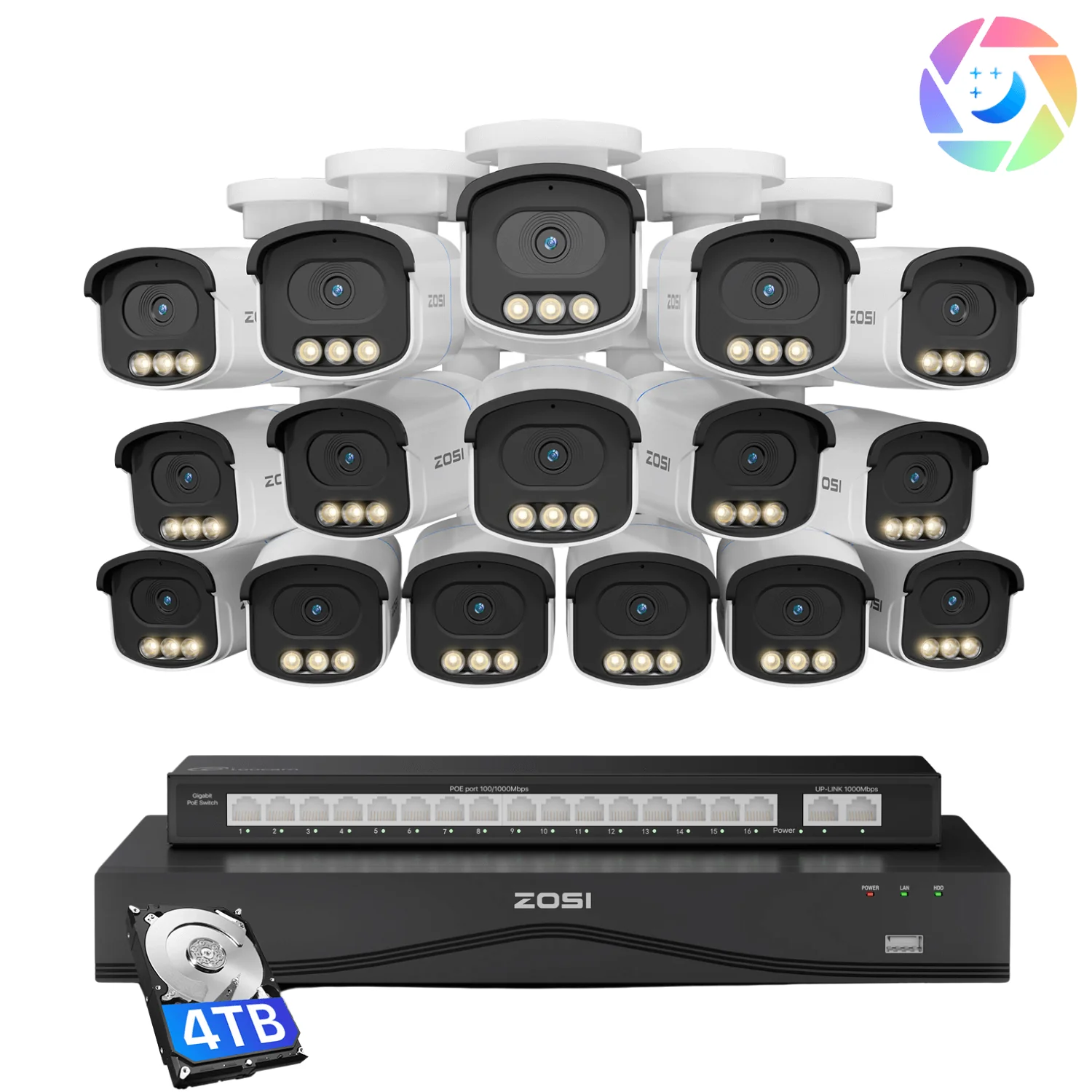
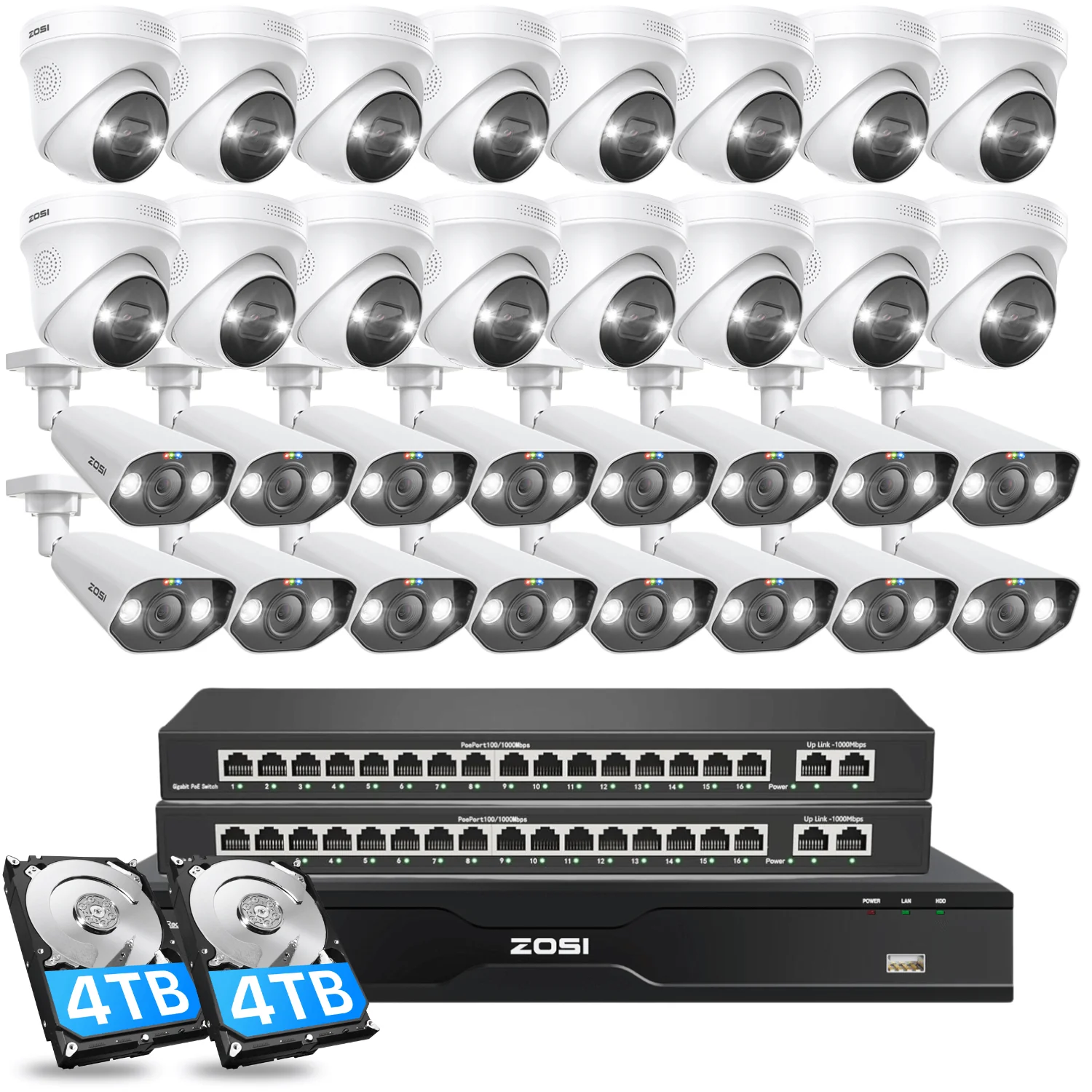
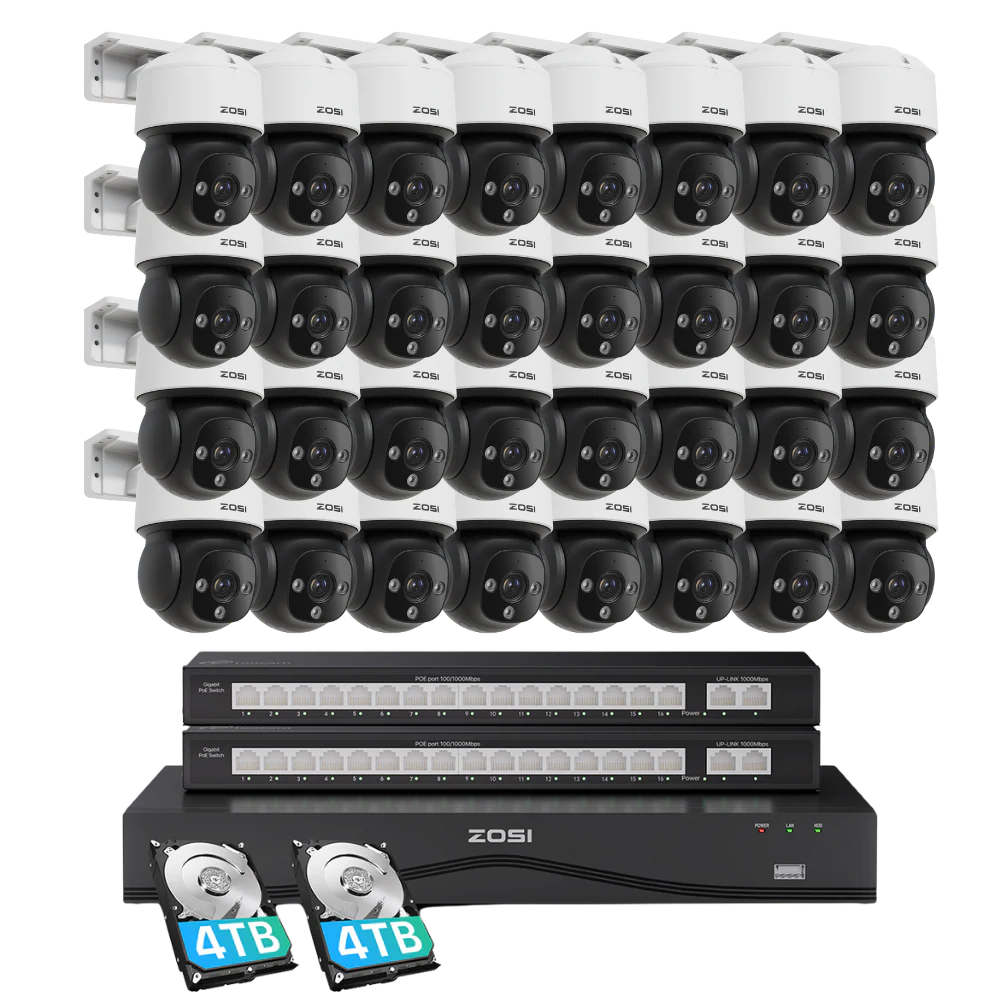
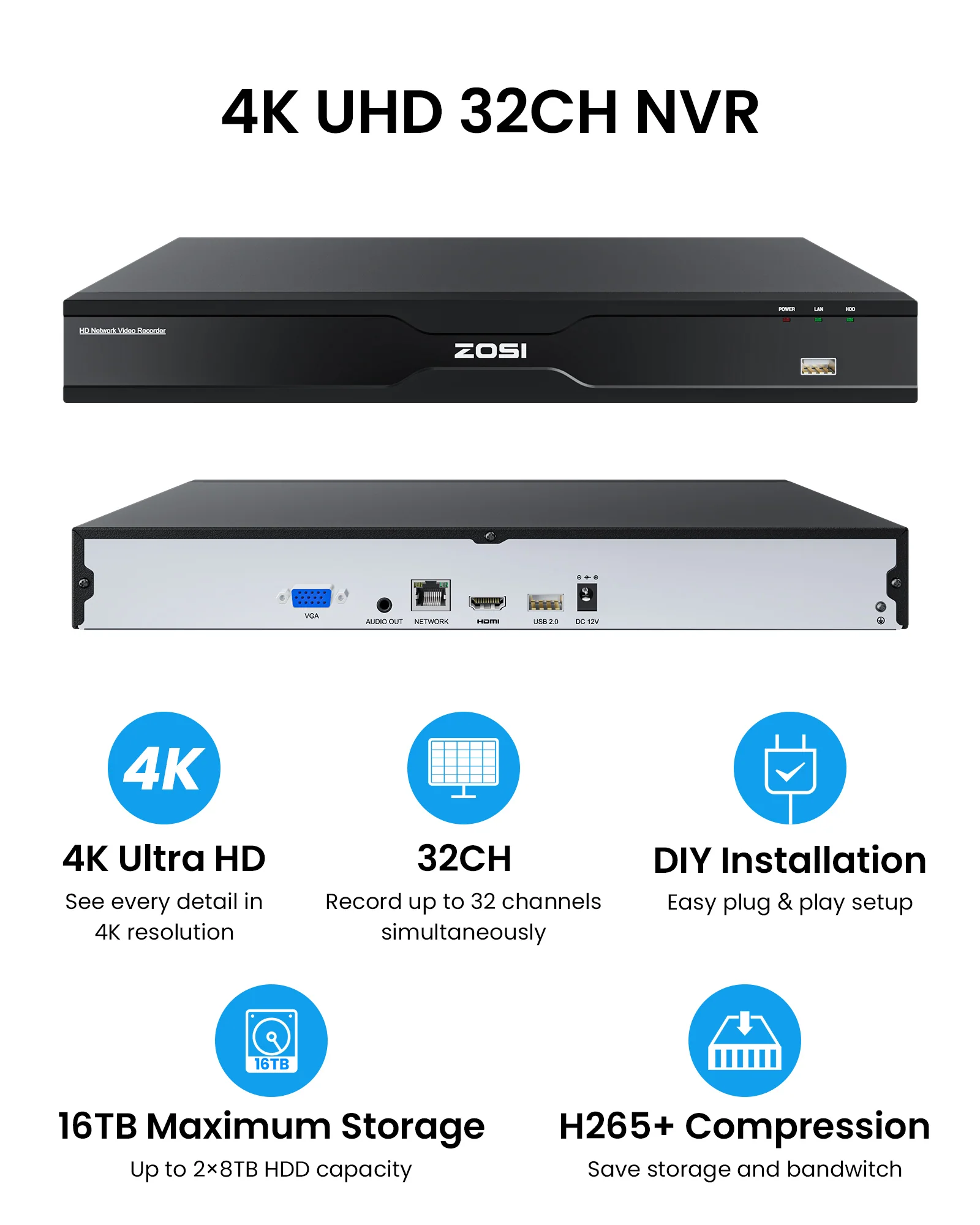
\nThis PoE NVR support up to 32 cameras. And you can add more cameras if you connect the PoE NVR to a PoE switch.
\nWhat is the storage capacity of this nvr system?
\nYou have the option to install a maximum of 16TB HDD.
\nDoes this NVR system support 24/7 recording?
\nYes, all the ZOSI PoE IP cameras support 24/7 recording, motion-triggered recording, scheduled recording, and automatically overwrite the oldest videos once the storage is full.
\nDo I need a subscription to use the NVR system?
\nNo, you don't need subscription and any extra fees to use the camera, including all the functions like live view, playback,and AI person & vehicle detection.
\nHow does the siren and warning light work?
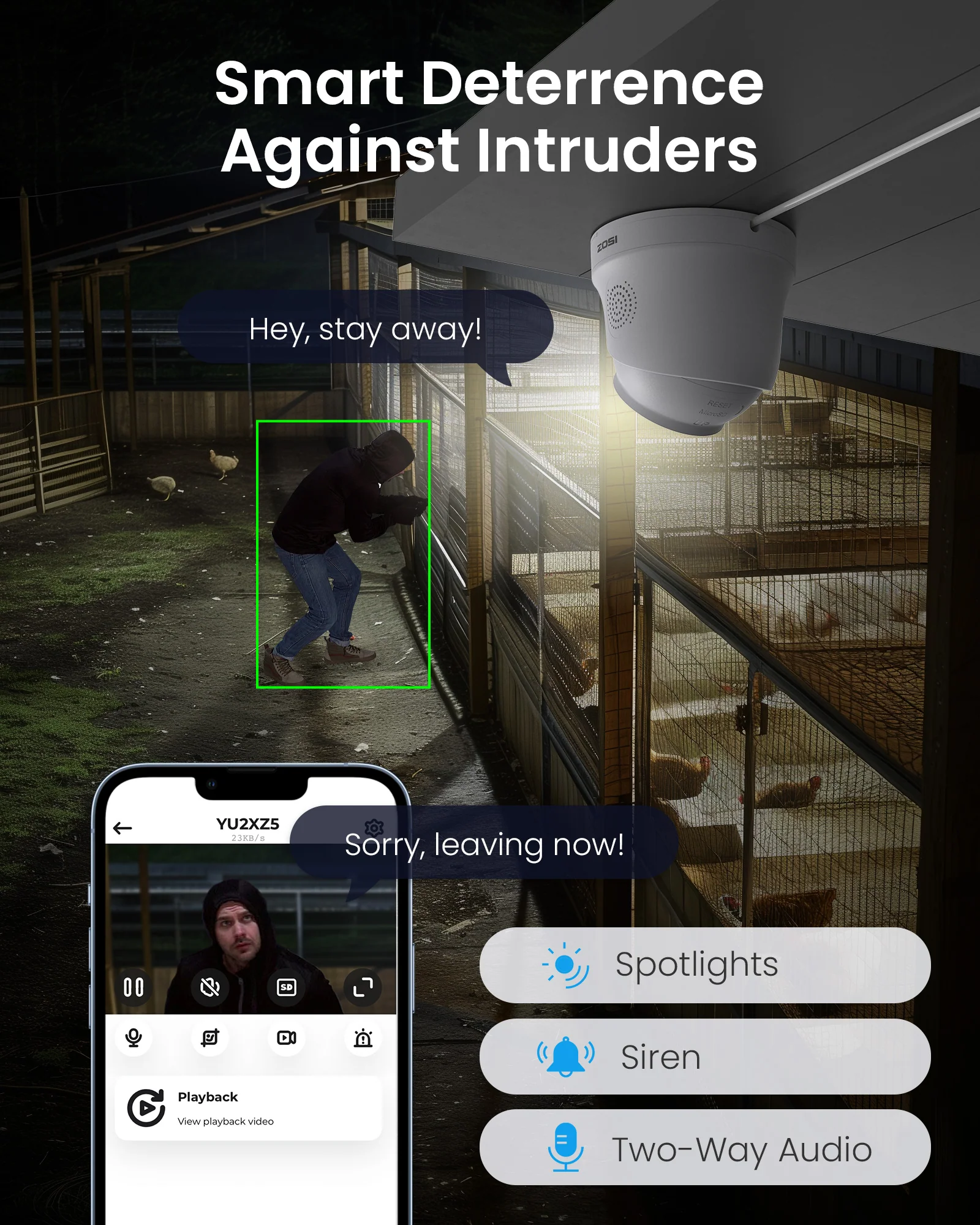
\nYou can decide when and where to activate the siren and warning light, by customizing the detection zone and time period. And you can also turn on/off the light and siren individually and together manually.
\nHow to Turn off the Automatic Maintenance on the PoE NVR System
\nStep 1:Right click the mouse-Go to the main menu; Step 2&3 Then choose the Advance button-System maintenance; Step 4&5 Please click the Automatic Maintenance-Choose the Never;Then hit the apply it.
\nCan I Connect my POE cameras to the POE Nvr with Wireless Bridge
\nYes, of course you can. Note: You can directly hook up the Poe cameras to the wireless bridge with the lan cables,and videos will pop up automatically on the monitor. Advantages of wireless bridge transmission: 1 long transmission distance; 2 Stable transmission signal; 3 Strong anti-interference; 4 Low cost.
\nHow much storage is needed for my Zosi PoE NVR System?
\nCalculate based on retention days and camera count.\n\n1 camera, 7 days: 420GB (60GB/day for 24/7 recording).\n\n4 cameras, 14 days: 3TB (4×60GB×14 = 3360GB, rounded up to 4TB for safety).\n\n8 cameras, 30 days: 8TB (8×60GB×30 = 14400GB).
\n


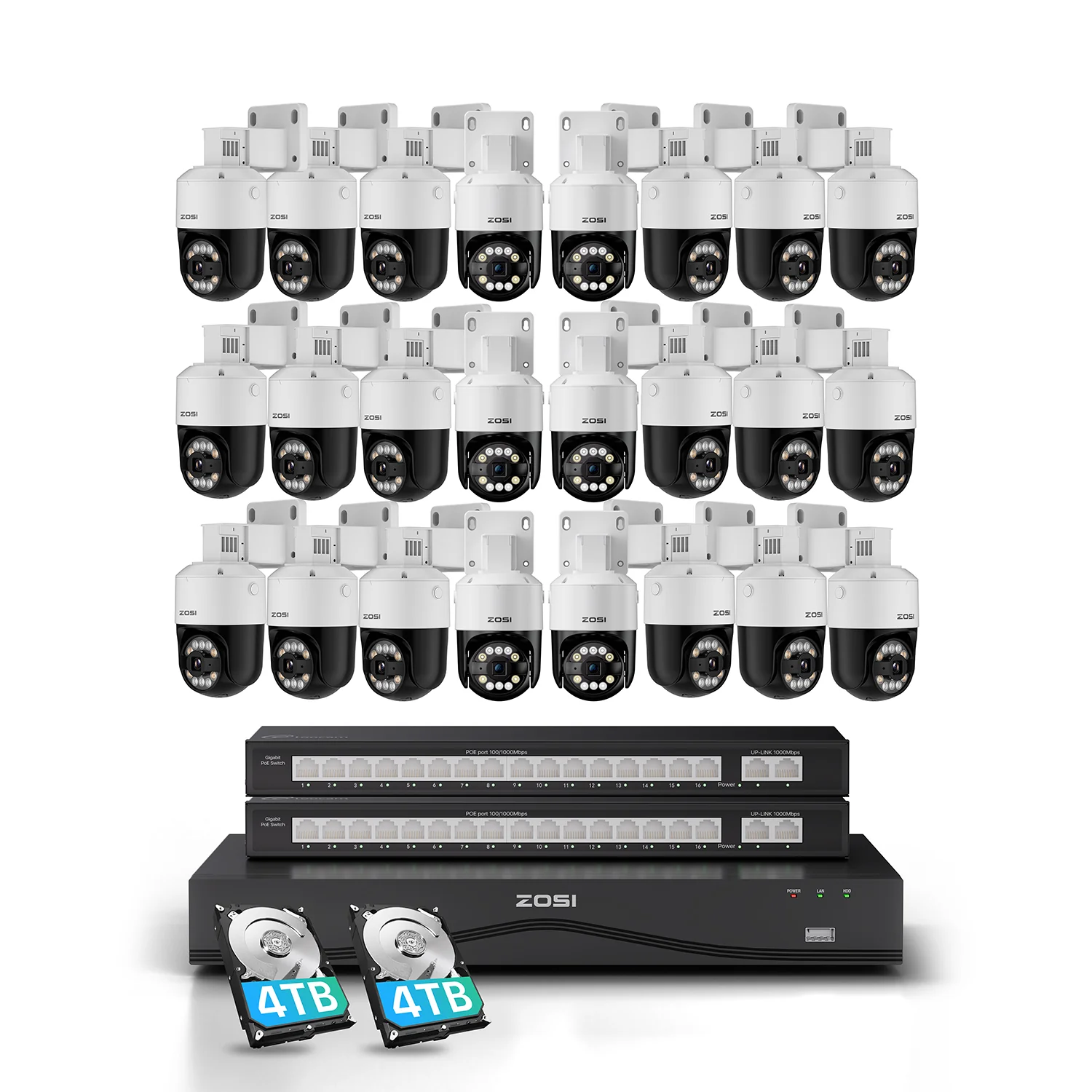
Enjoy up to 16TB of local storage with dual-disk support. Securely back up your footage and ensure easy access to all your recordings.

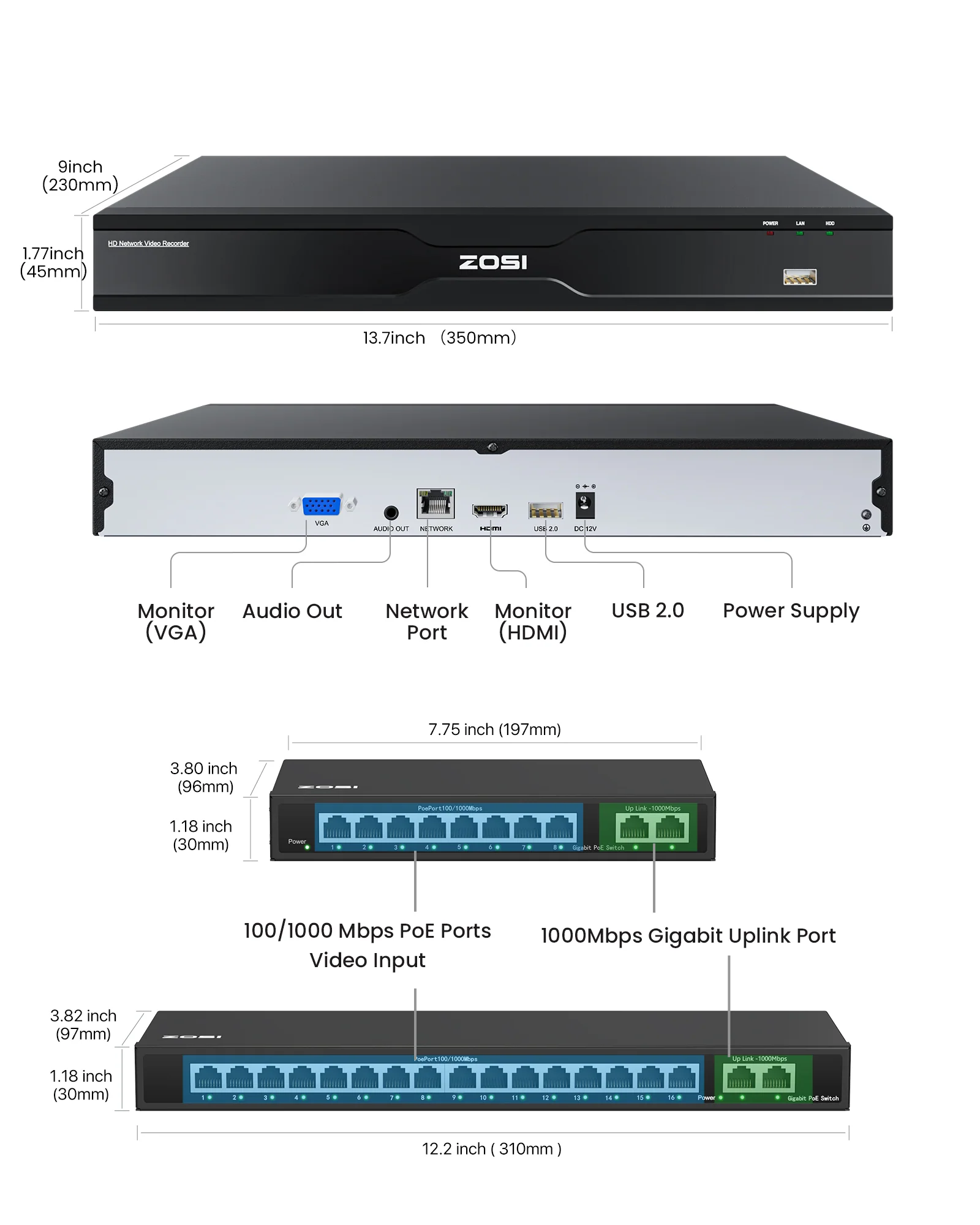
Easily control and view all your camera feeds(up to 32 channel) with all-in-one NVR, ensuring extensive monitoring for your business.


How far can a PoE camera be from the NVR?
What's the maximum TB this system supports?
How to Connect Zosi POE Cameras with Zosi PoE NVRs
How many PoE cameras can I add to this system?
What is the storage capacity of this nvr system?
Does this NVR system support 24/7 recording?
Do I need a subscription to use the NVR system?
How does the siren and warning light work?
How to Turn off the Automatic Maintenance on the PoE NVR System
Can I Connect my POE cameras to the POE Nvr with Wireless Bridge
How much storage is needed for my Zosi PoE NVR System?
Product Information
Shipping & Returns
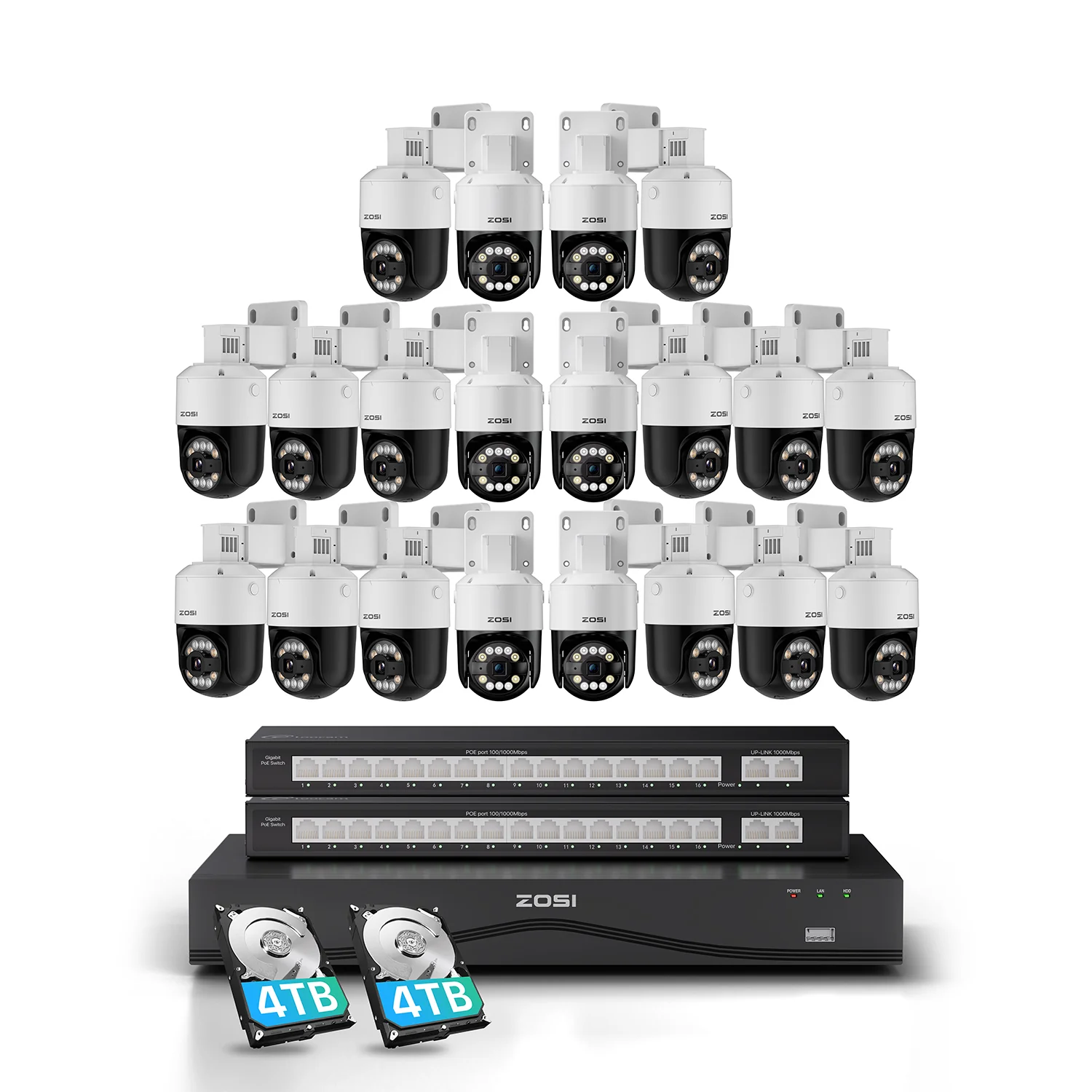
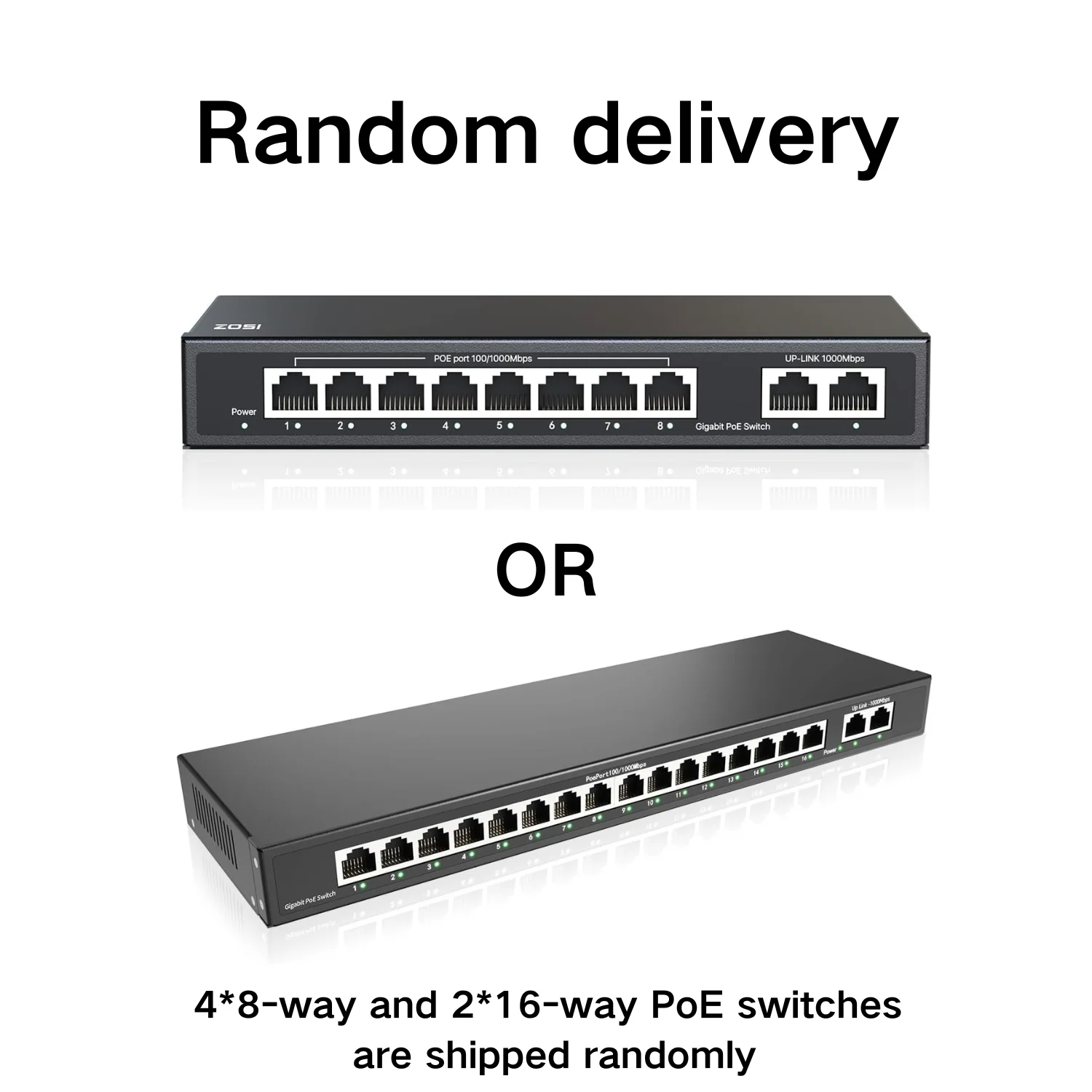

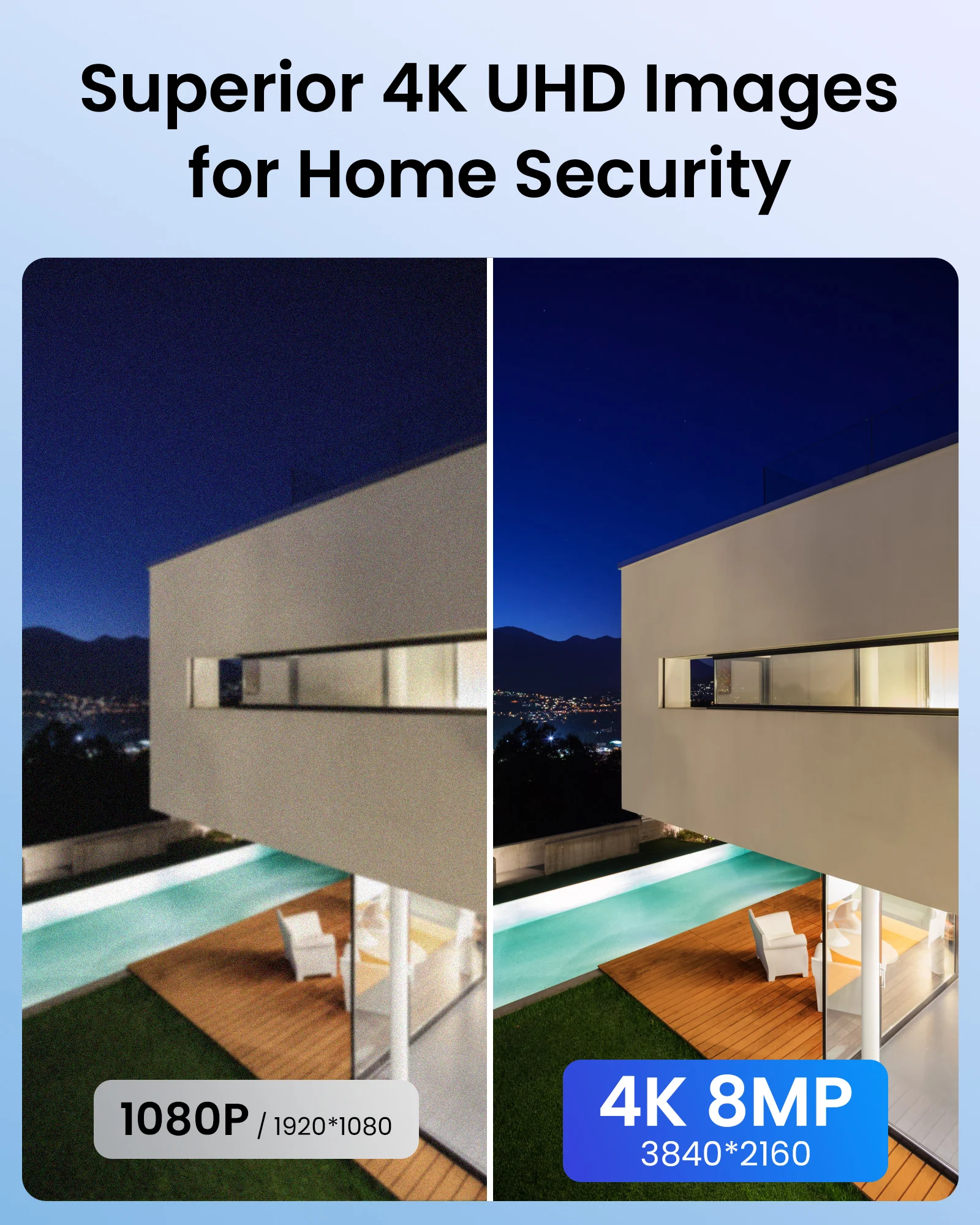
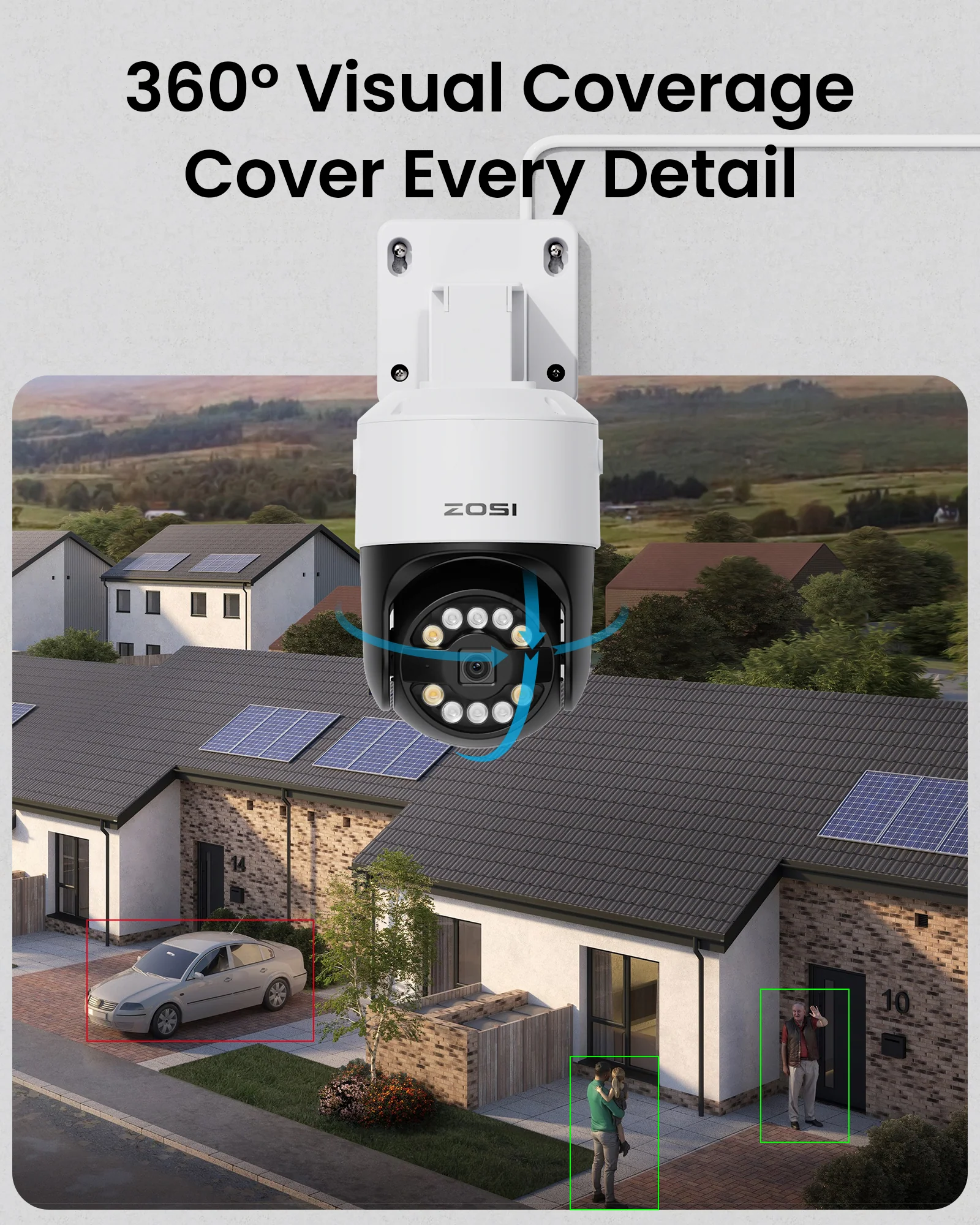


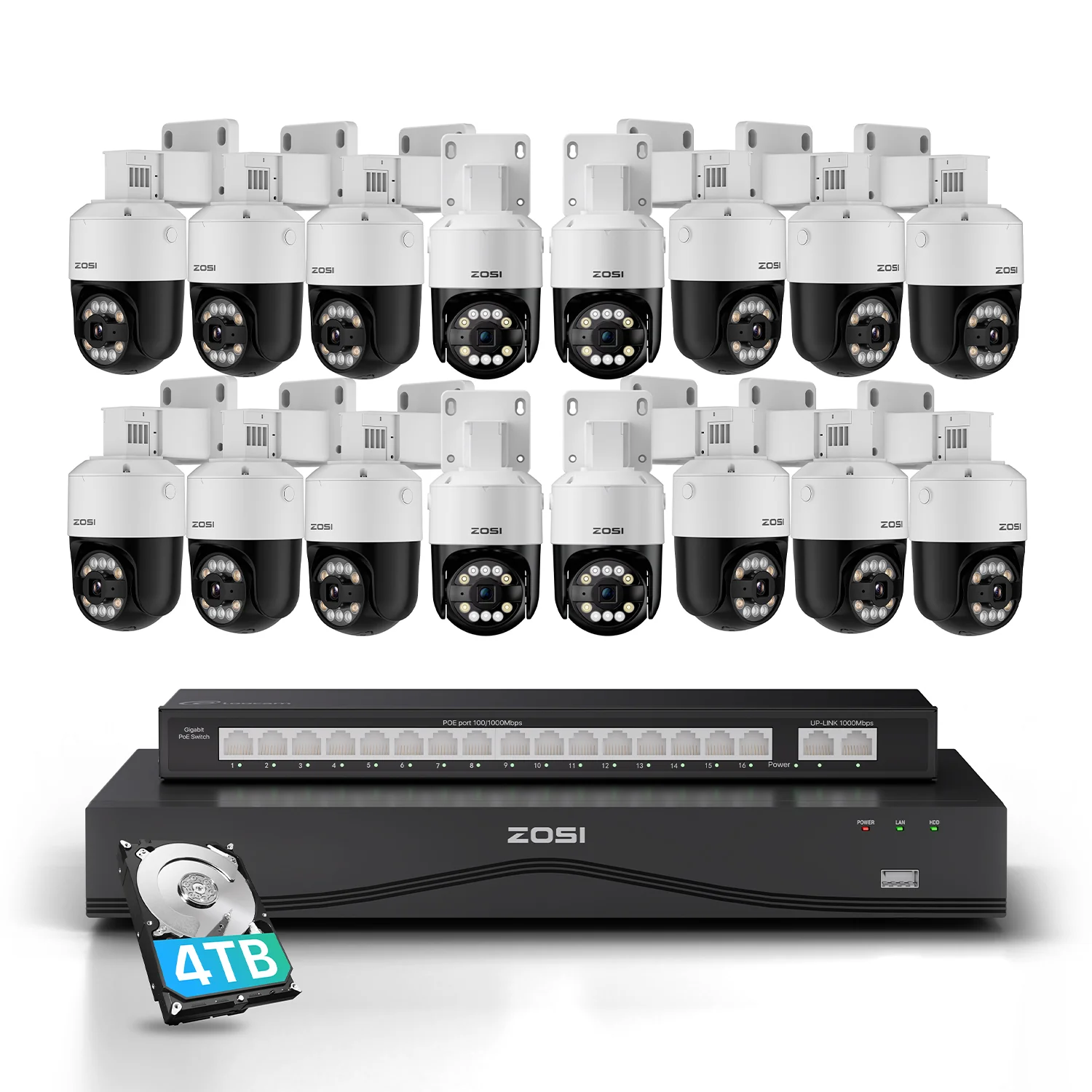
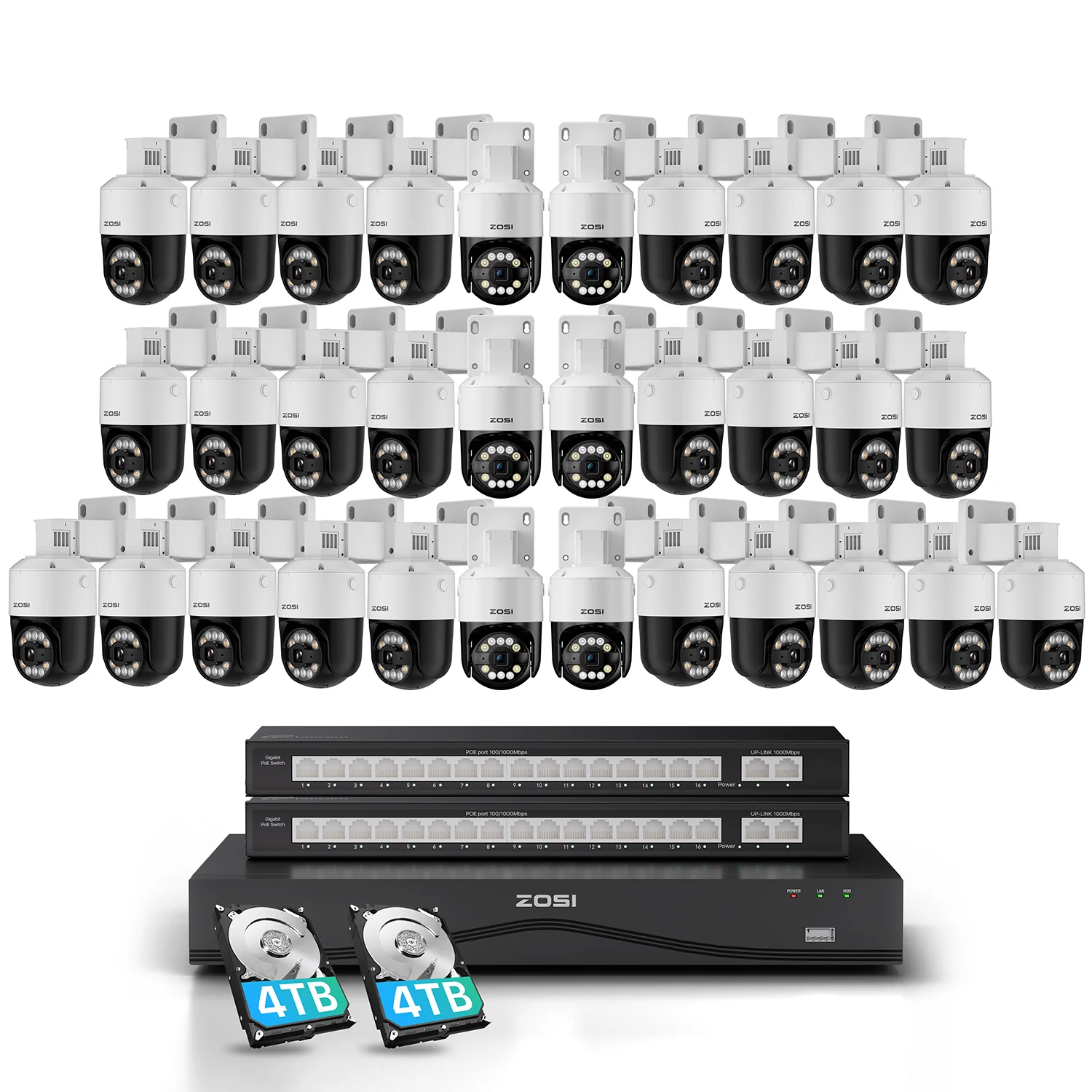
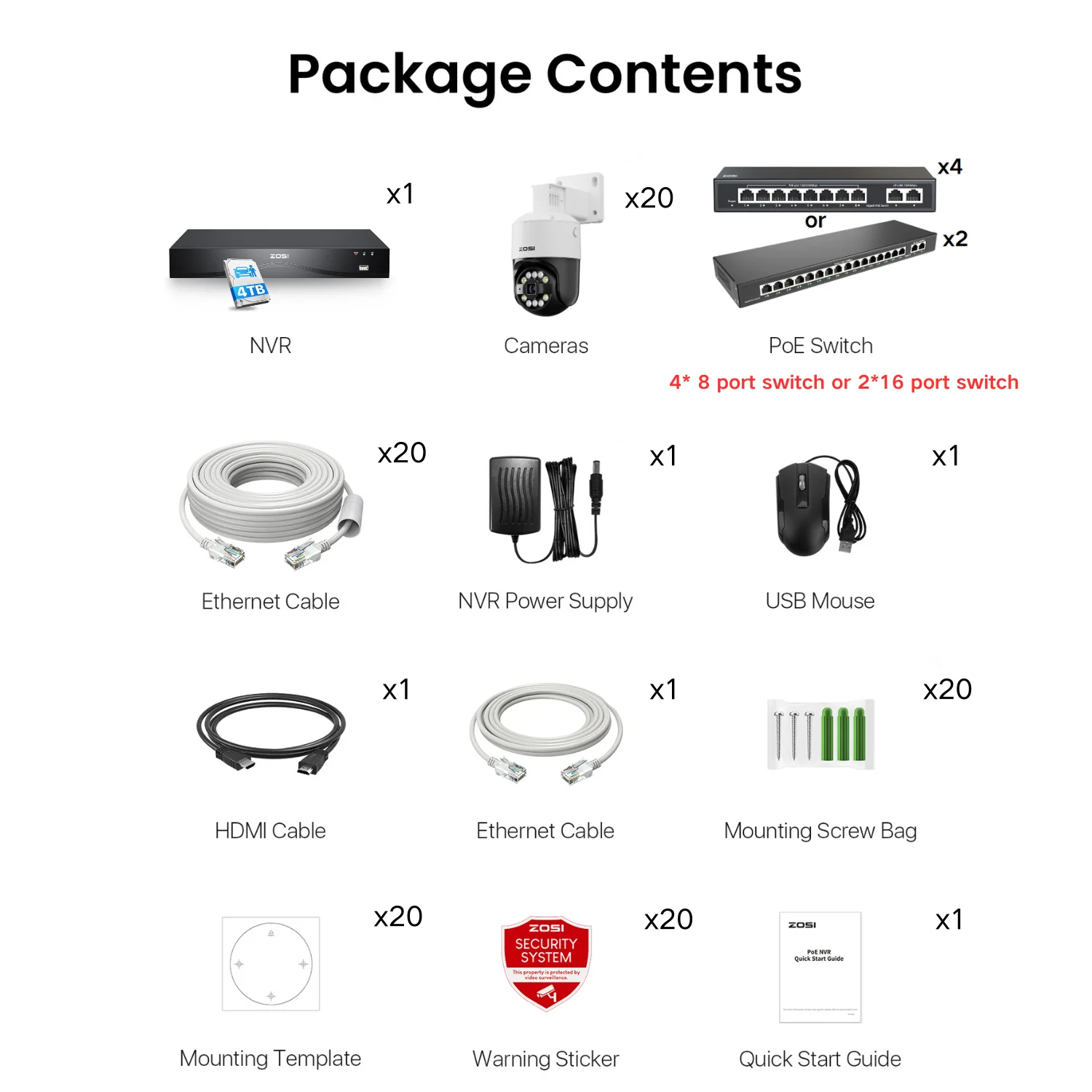
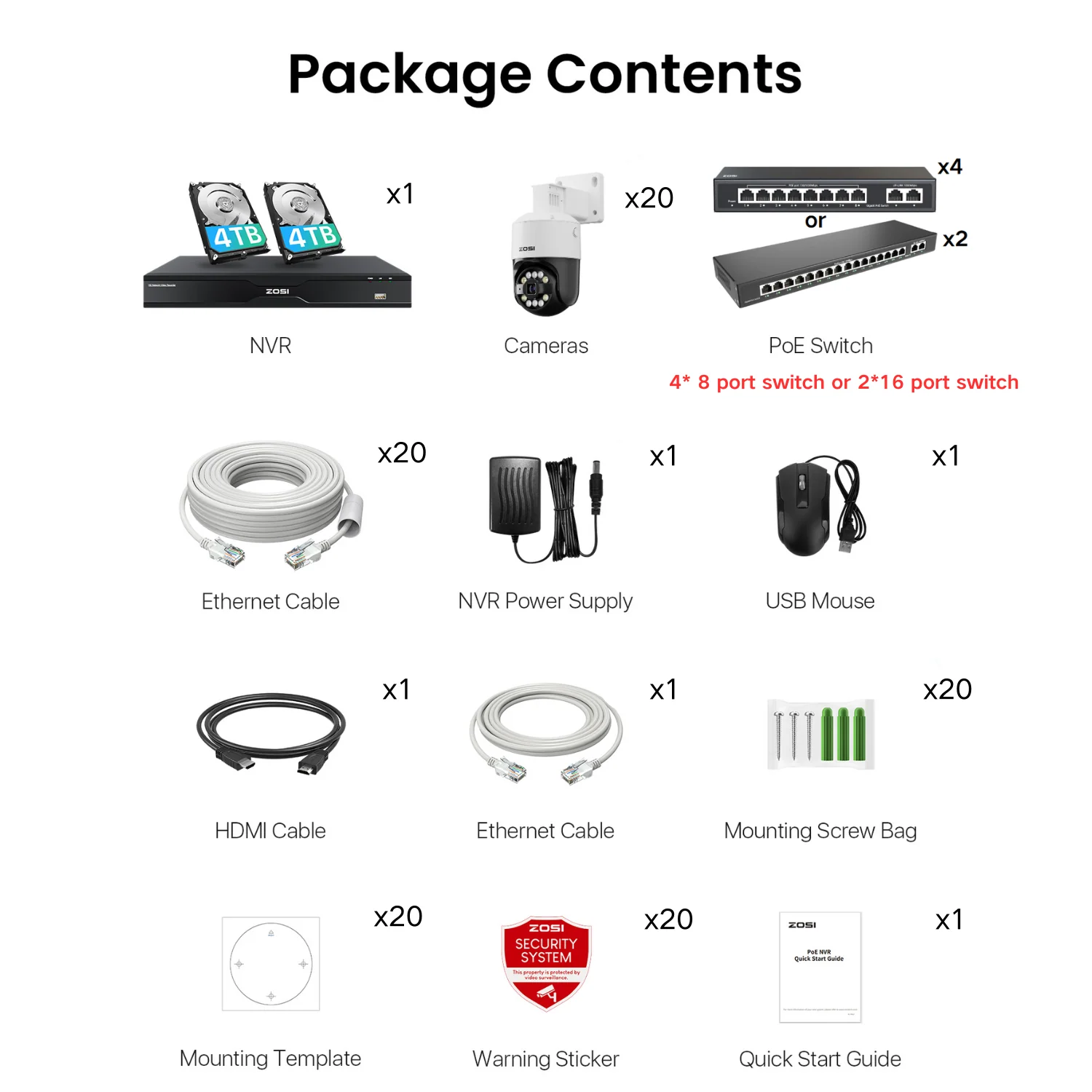
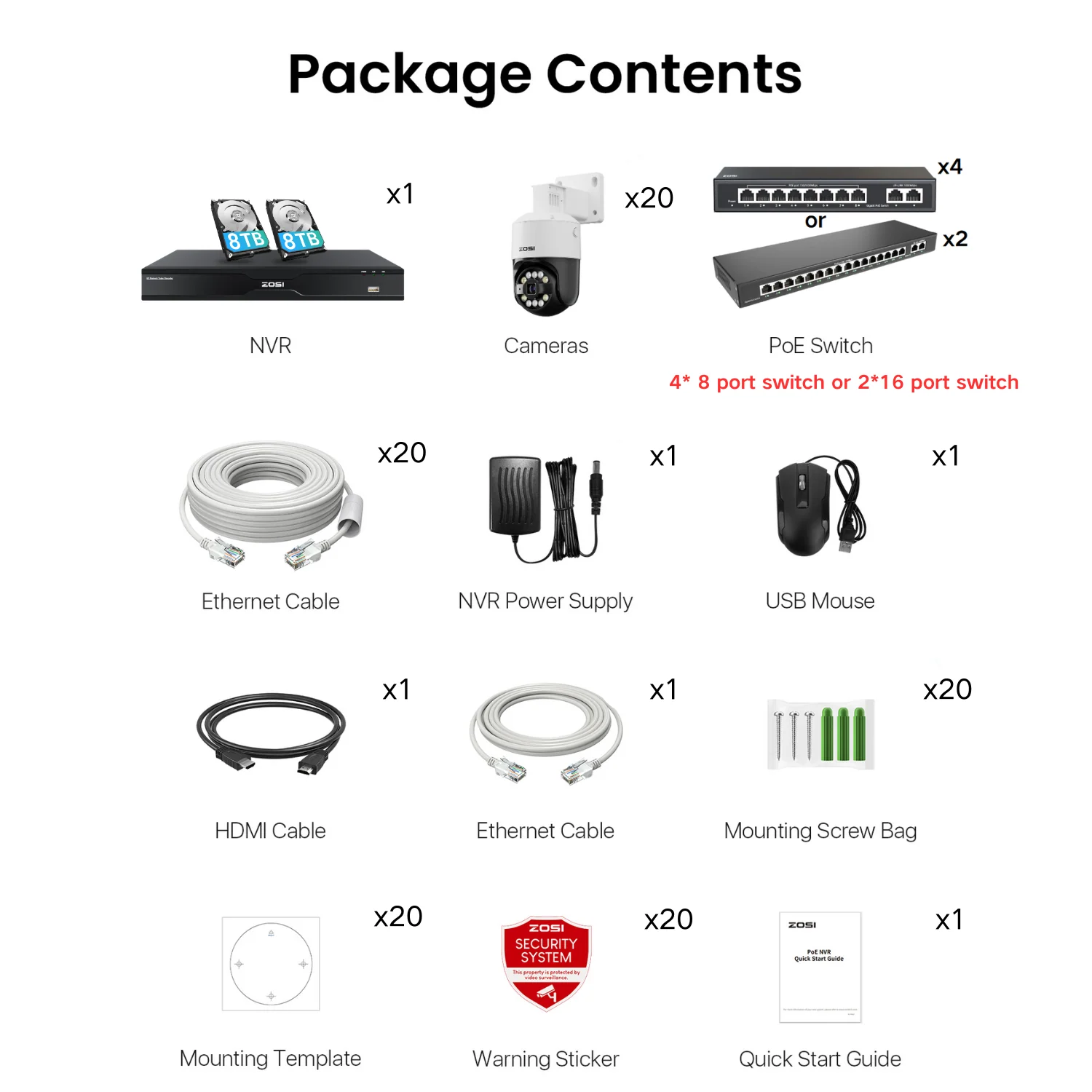
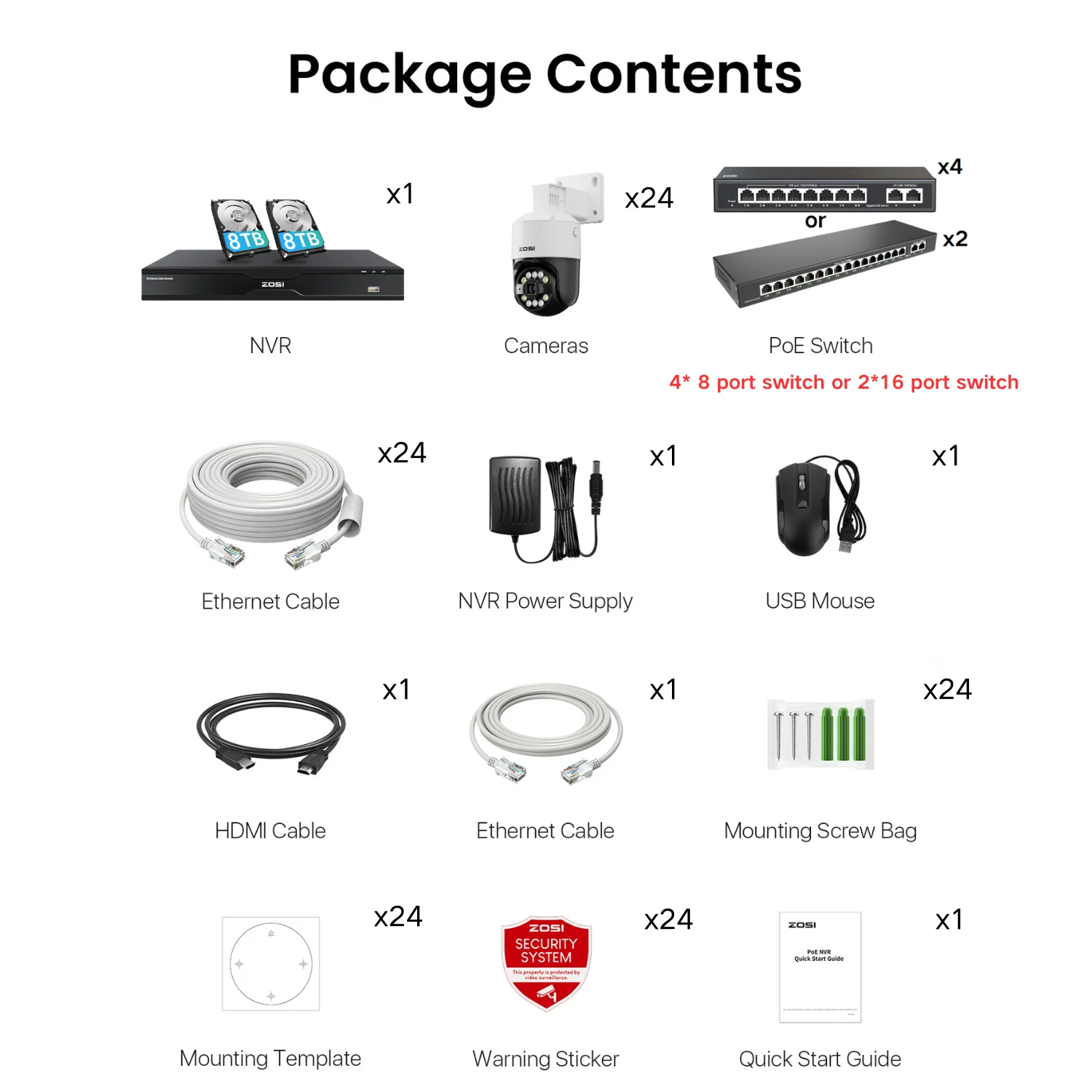
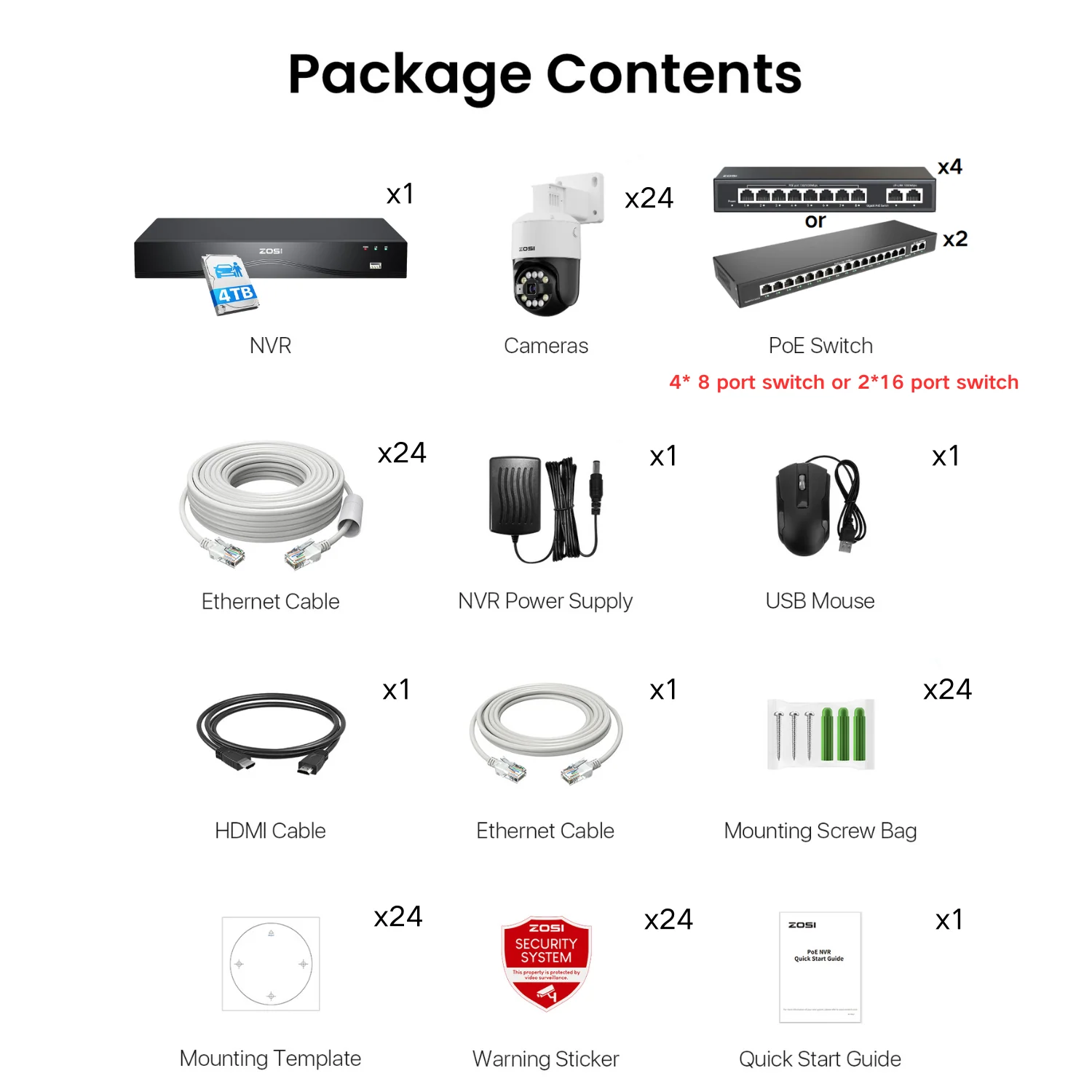
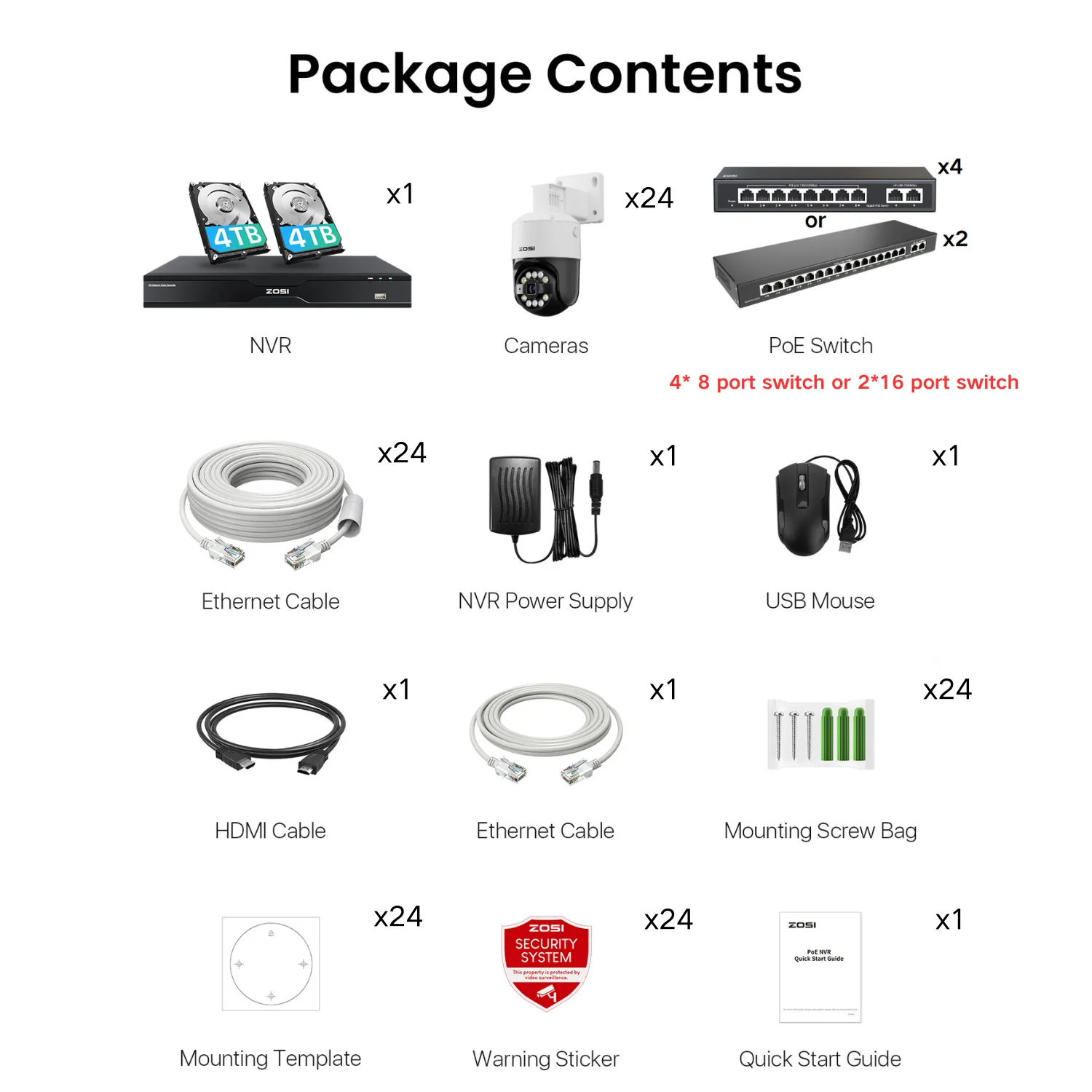
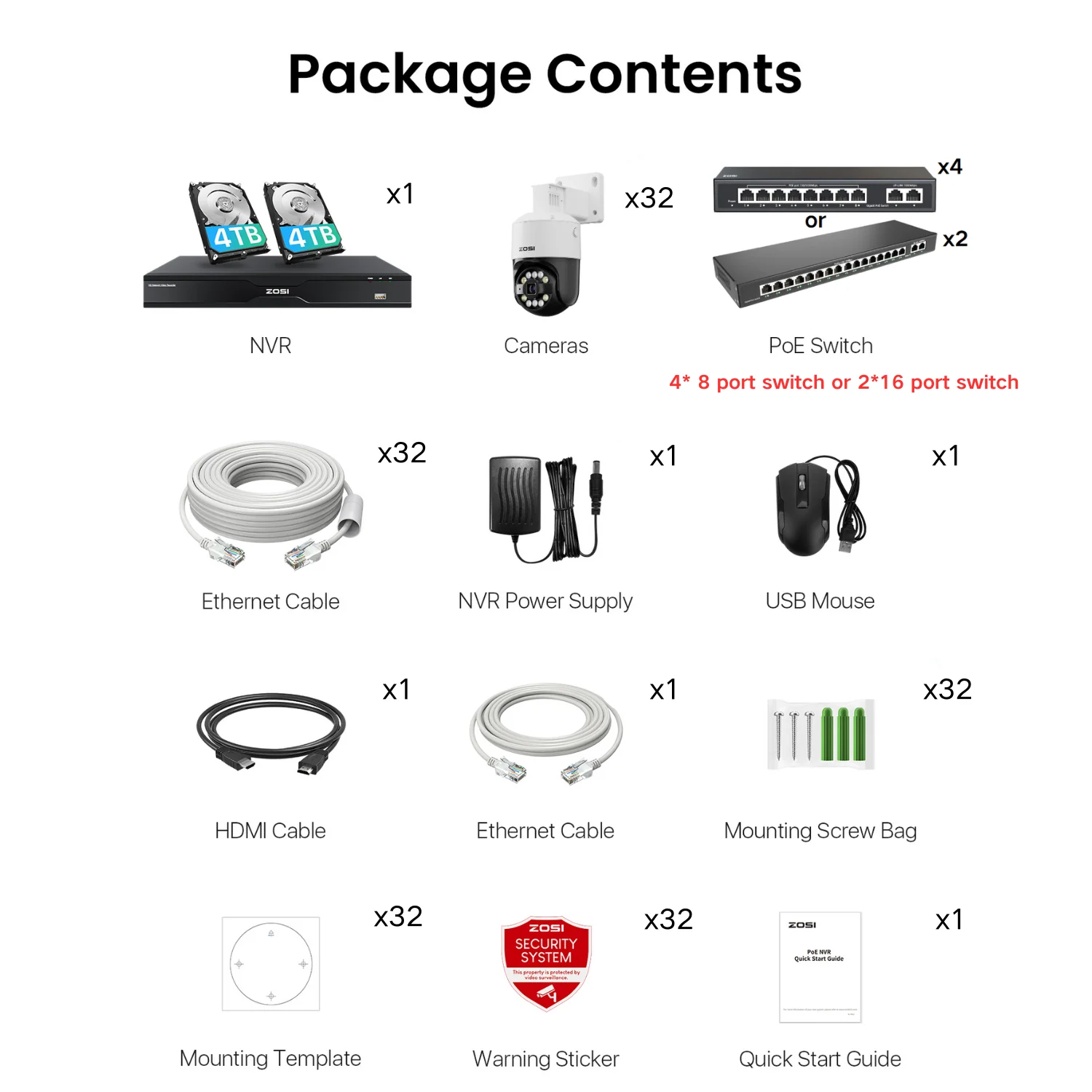
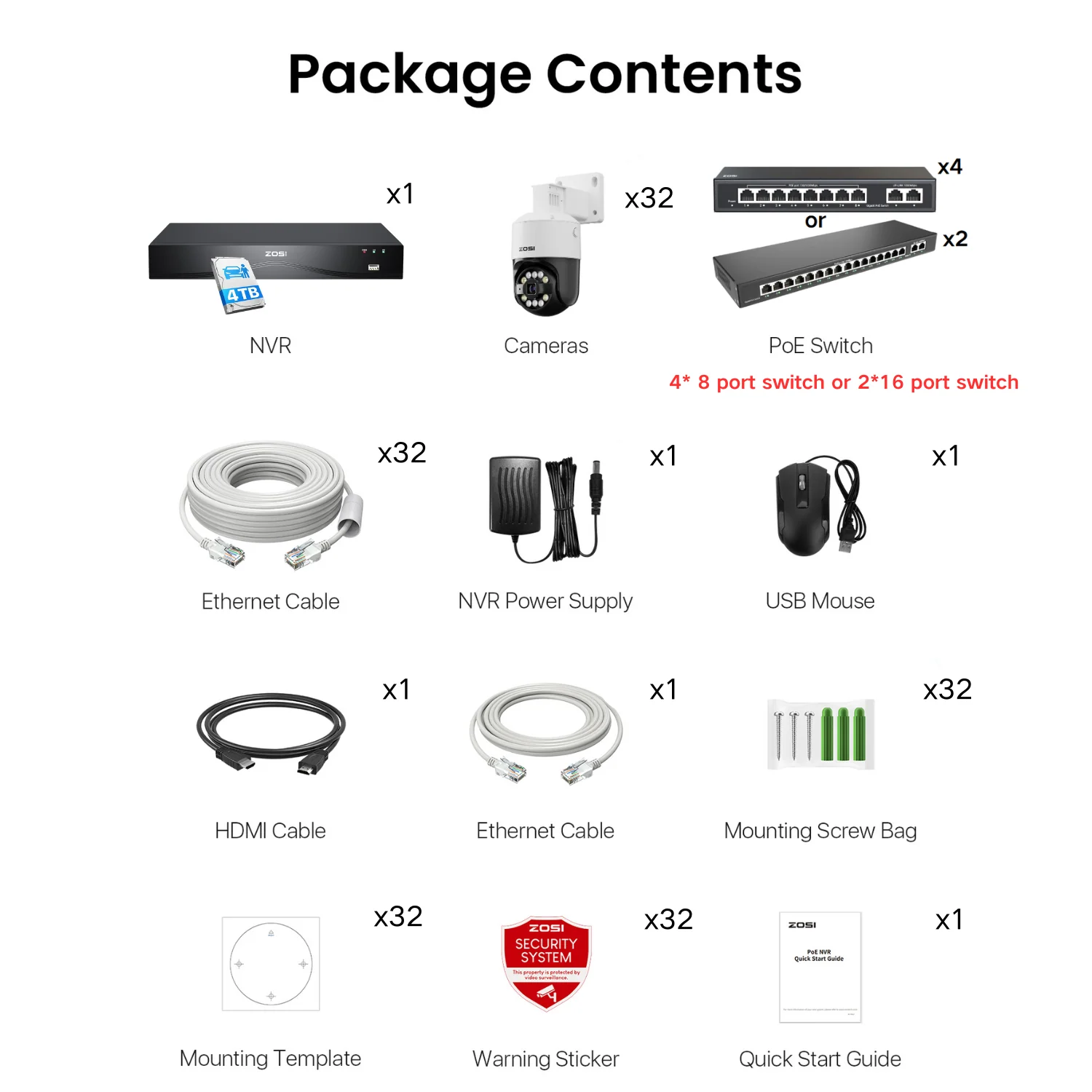
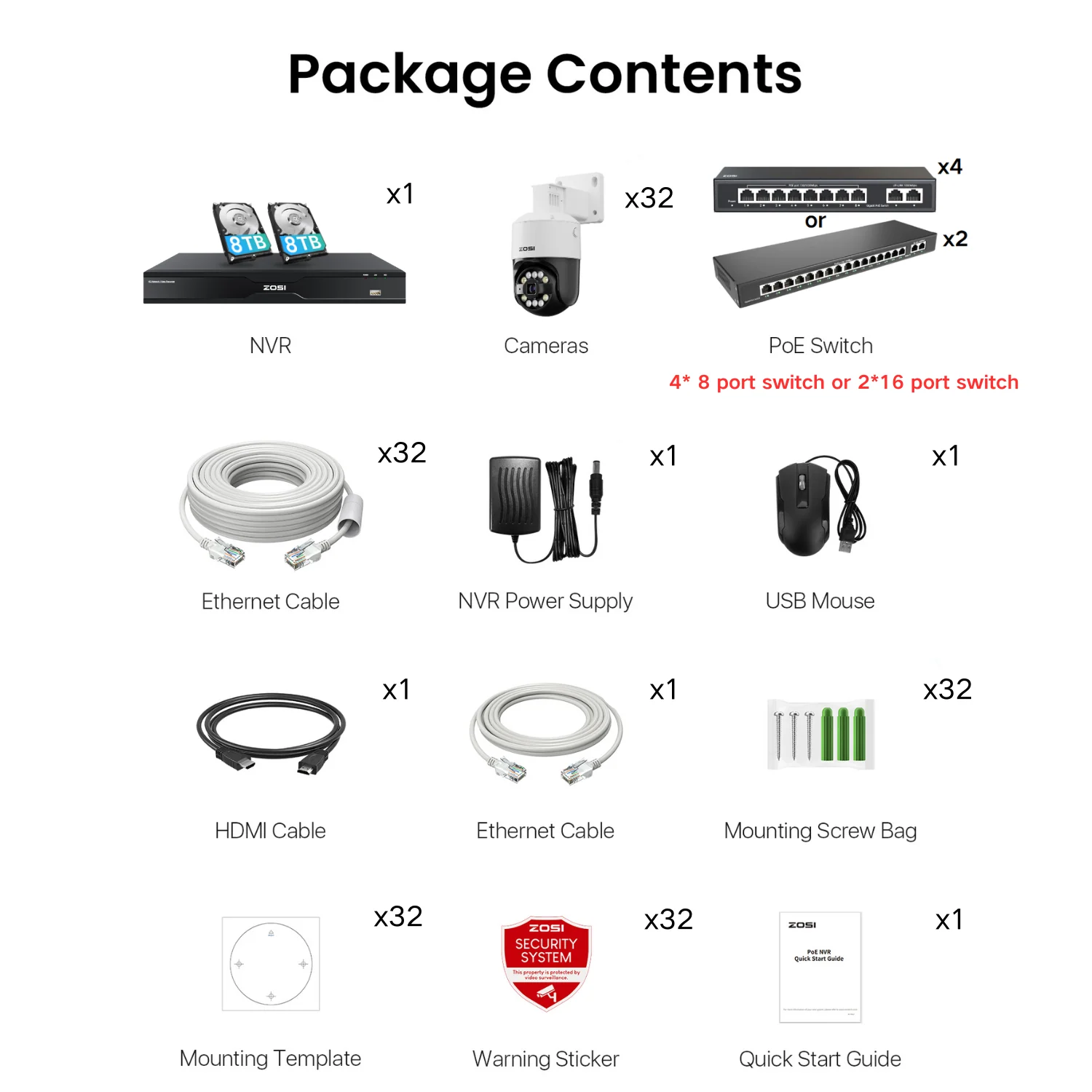
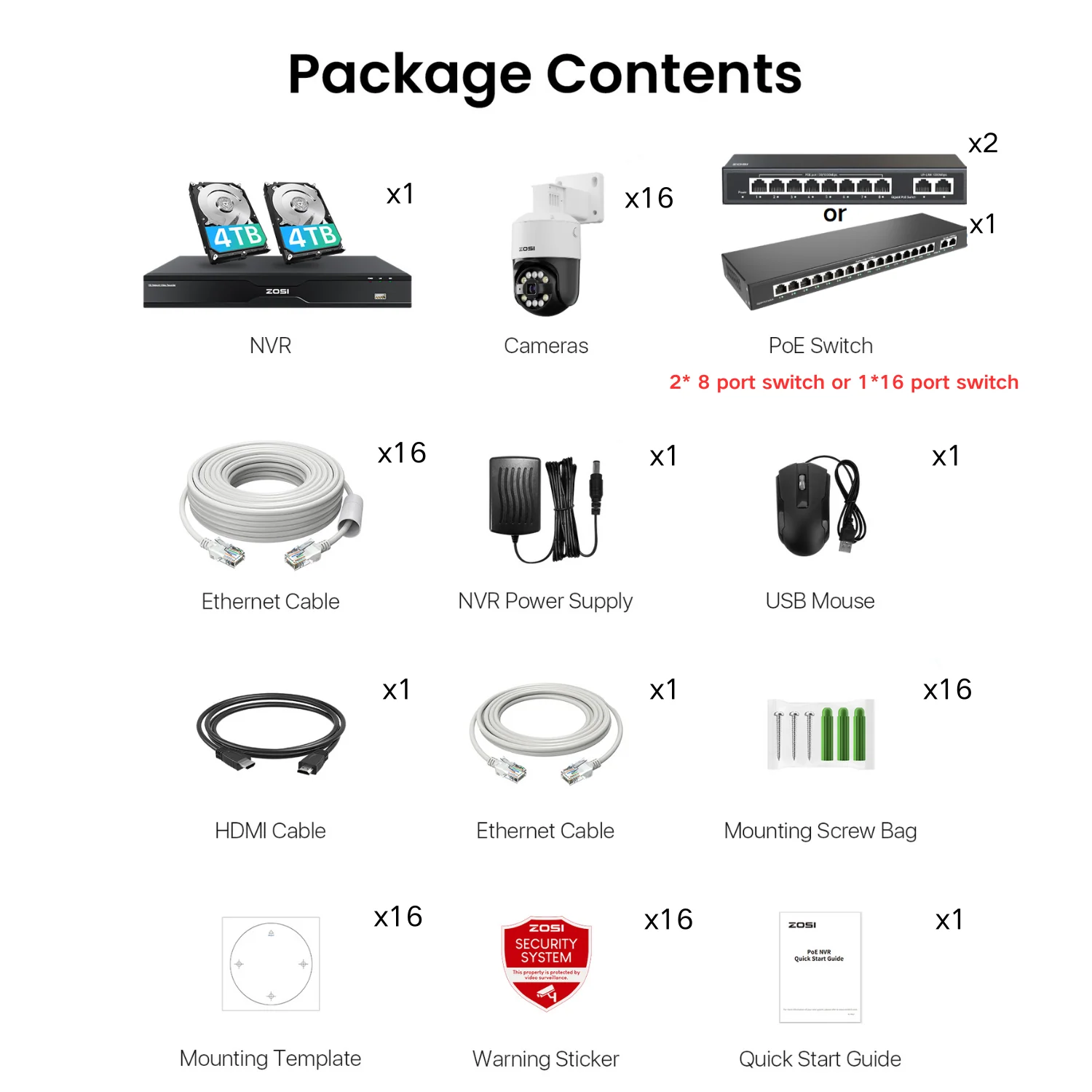
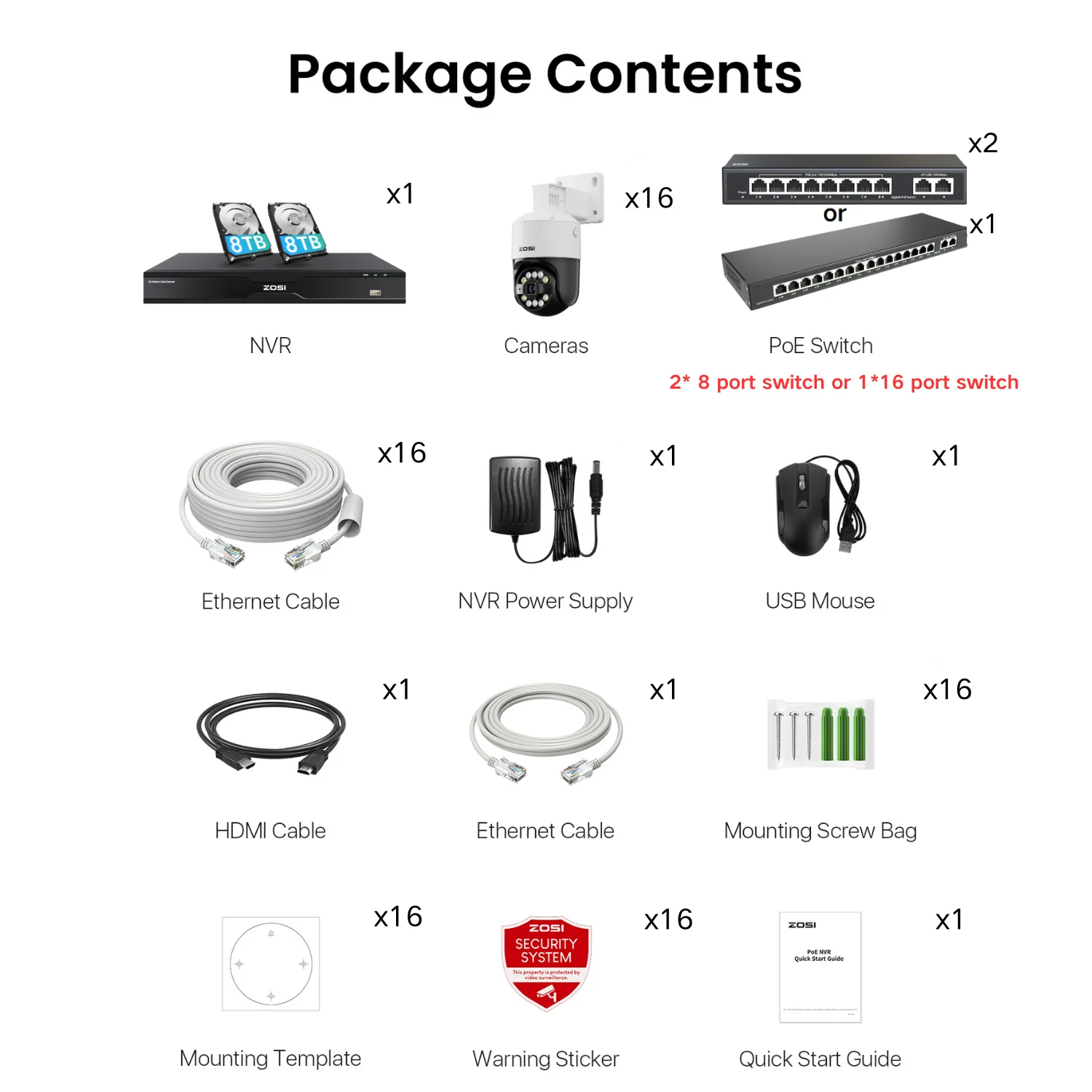
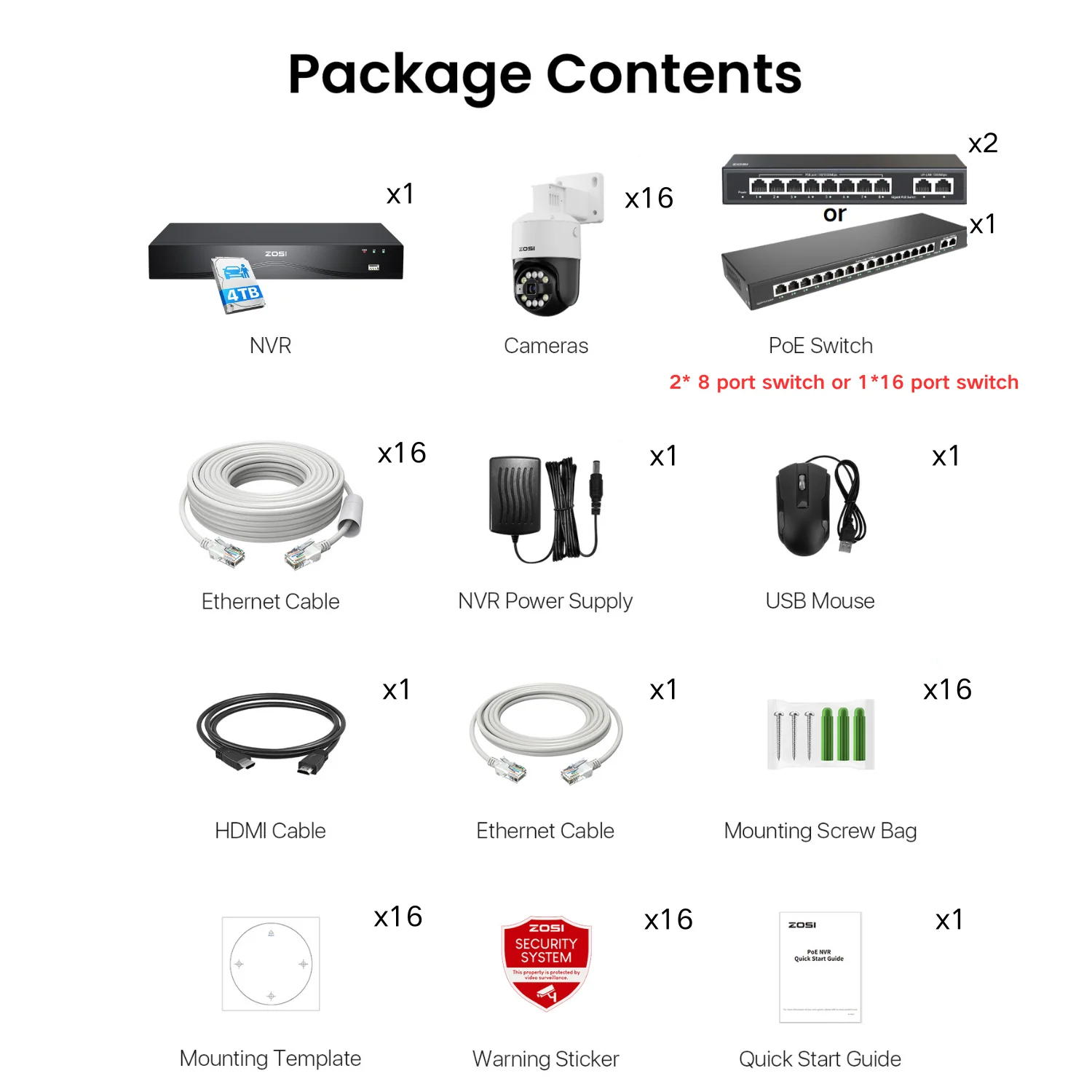
Enjoy up to 16TB of local storage with dual-disk support. Securely back up your footage and ensure easy access to all your recordings.
Easily control and view all your camera feeds(up to 32 channel) with all-in-one NVR, ensuring extensive monitoring for your business.
How far can a PoE camera be from the NVR?
What's the maximum TB this system supports?
How to Connect Zosi POE Cameras with Zosi PoE NVRs
How many PoE cameras can I add to this system?
What is the storage capacity of this nvr system?
Does this NVR system support 24/7 recording?
Do I need a subscription to use the NVR system?
How does the siren and warning light work?
How to Turn off the Automatic Maintenance on the PoE NVR System
Can I Connect my POE cameras to the POE Nvr with Wireless Bridge
How much storage is needed for my Zosi PoE NVR System?
Original: $1,599.99
-65%$1,599.99
$560.00Product Information
Shipping & Returns
Enjoy up to 16TB of local storage with dual-disk support. Securely back up your footage and ensure easy access to all your recordings.
Easily control and view all your camera feeds(up to 32 channel) with all-in-one NVR, ensuring extensive monitoring for your business.
How far can a PoE camera be from the NVR?
What's the maximum TB this system supports?
How to Connect Zosi POE Cameras with Zosi PoE NVRs
How many PoE cameras can I add to this system?
What is the storage capacity of this nvr system?
Does this NVR system support 24/7 recording?
Do I need a subscription to use the NVR system?
How does the siren and warning light work?
How to Turn off the Automatic Maintenance on the PoE NVR System
Can I Connect my POE cameras to the POE Nvr with Wireless Bridge
How much storage is needed for my Zosi PoE NVR System?